
SoundCloud Downloader
Download SoundCloud Music to MP3, M4A, FLAC & More
Pazu SoundCloud Downloader lets you download SoundCloud songs, playlists, and tracks and save them as MP3, M4A, AAC, FLAC, WAV, or AIFF files on your Mac or Windows PC.
- Download SoundCloud songs and playlists.
- Convert SoundCloud to MP3, FLAC, M4A, and more.
- Batch download multiple tracks.
- Preserve available metadata and album artwork.

Download SoundCloud Songs and Playlists
Fast and Easy SoundCloud Downloads
Download with Free, Go, Go+ & Student Accounts
Save SoundCloud Music in High Quality
Convert SoundCloud to MP3/M4A/AAC/FLAC/WAV/AIFF
Built-in SoundCloud Web Player
Browse and Download SoundCloud Playlists
Batch Download and Keep ID3 Tags
Play Downloaded Music on Any Compatible Device

Download SoundCloud Music on Mac and Windows
SoundCloud is a popular platform where users can discover and listen to music, podcasts, DJ mixes, remixes, and other audio content. However, listening online and downloading audio files are two different things.
With the Pazu SoundCloud Downloader, you can save supported SoundCloud content as local audio files on your computer. Choose your preferred output format and audio quality, then play the downloaded files using compatible music players and devices.
Convert SoundCloud to MP3, FLAC, M4A & More
Want to play SoundCloud music outside the SoundCloud app or organize your favorite tracks in a local music library? Pazu lets you convert supported SoundCloud audio to common formats including MP3, M4A, AAC, FLAC, WAV, and AIFF.
- Convert SoundCloud to MP3 - Wide compatibility and portable playback
- Convert SoundCloud to M4A - Good quality with smaller file sizes
- Convert SoundCloud to AAC - Efficient compressed audio
- Convert SoundCloud to FLAC - Lossless music files
- Convert SoundCloud to WAV - Uncompressed audio
- Convert SoundCloud to AIFF - High-quality audio production


Download SoundCloud Playlists in Batch
When you want to save an entire SoundCloud playlist, downloading songs one by one can be very time-consuming. Pazu SoundCloud Downloader supports batch downloads, allowing you to select multiple songs and process them all at once.
- Download multiple SoundCloud tracks
- Download playlists in batch
- Convert multiple tracks at once
- Automatically organize downloaded files
Preserve SoundCloud Metadata and Album Artwork
Keep your downloaded music library organized with available metadata. Pazu can preserve information such as song title, artist, album, track number, and album artwork when supported.
You can also customize output filenames and choose how downloaded tracks are organized on your computer.


Built-in SoundCloud Web Player
Browse SoundCloud directly inside Pazu without constantly switching between your browser and the downloader. Search for your favorite tracks, artists, playlists, and other available audio content, then add the music you want to download.
Download SoundCloud Music with Free or Paid Accounts
Pazu SoundCloud Downloader supports SoundCloud accounts with different subscription levels. Depending on your account and region, you can use the downloader with SoundCloud Free, Go, Go+, or Go+ Student accounts.
SoundCloud Go and Go+ provide features such as ad-free listening and offline listening within SoundCloud. Pazu provides a different workflow by saving supported SoundCloud content as regular audio files that you can manage locally.

Batch download
Download multiple songs in one click.Faster conversion speed
Offers 10X conversion speed & retains ID3 tags.Organize playlists
Individualized settings for output format, bit rate, sample rate, output file name and output folder.100% safe and clean
All Pazu software is virus, plugin, and ads free.Lifetime update
Free lifetime updates for streaming service compatibility.Multilingual User Interface
English, Deutsch, Español, Français, 日本語, 简体中文, Čeština, Dansk, Bahasa Indonesia, Melayu, Türkçe, Português.How to Download SoundCloud Music to MP3
Listen to ad-free music. Download and listen offline.
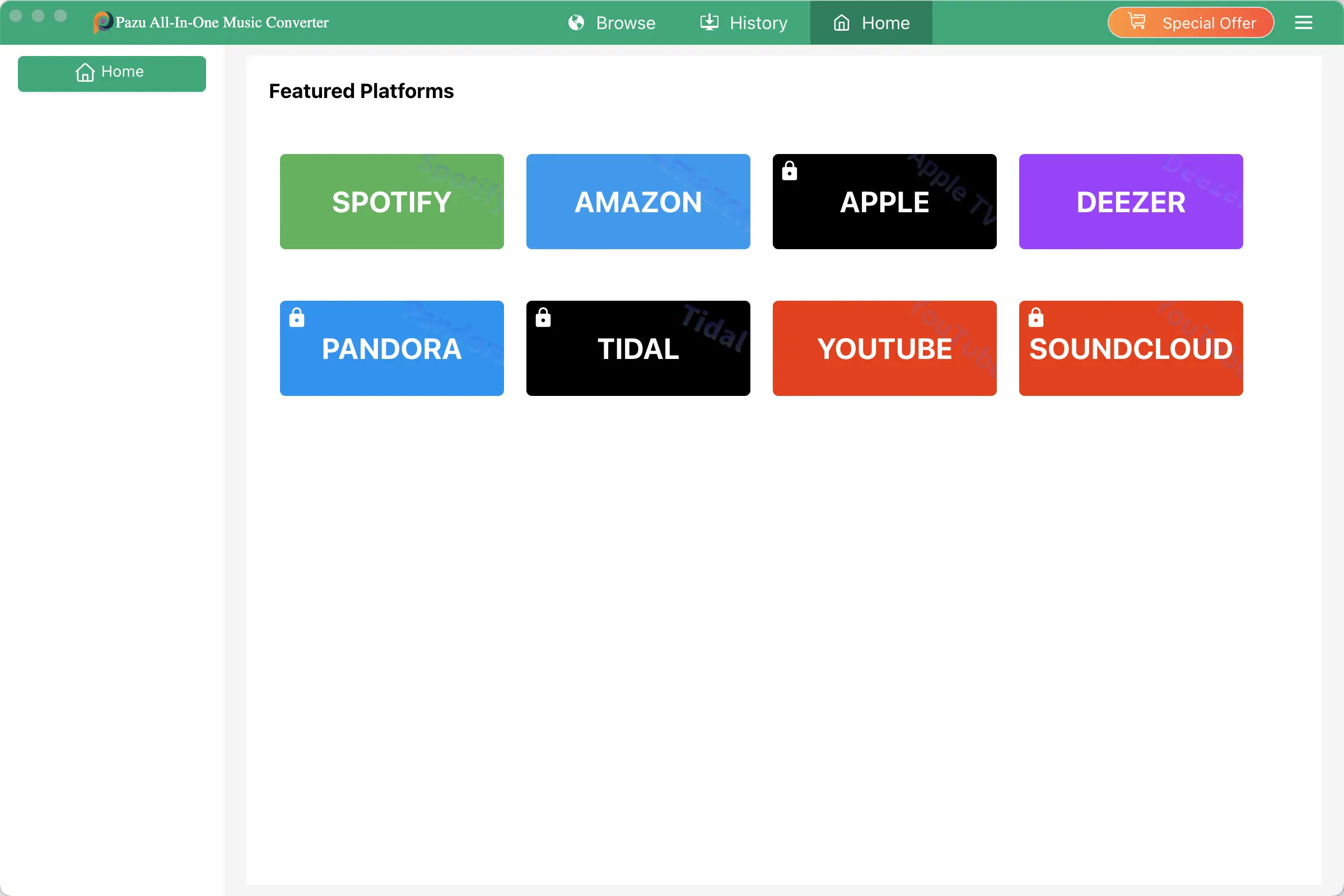
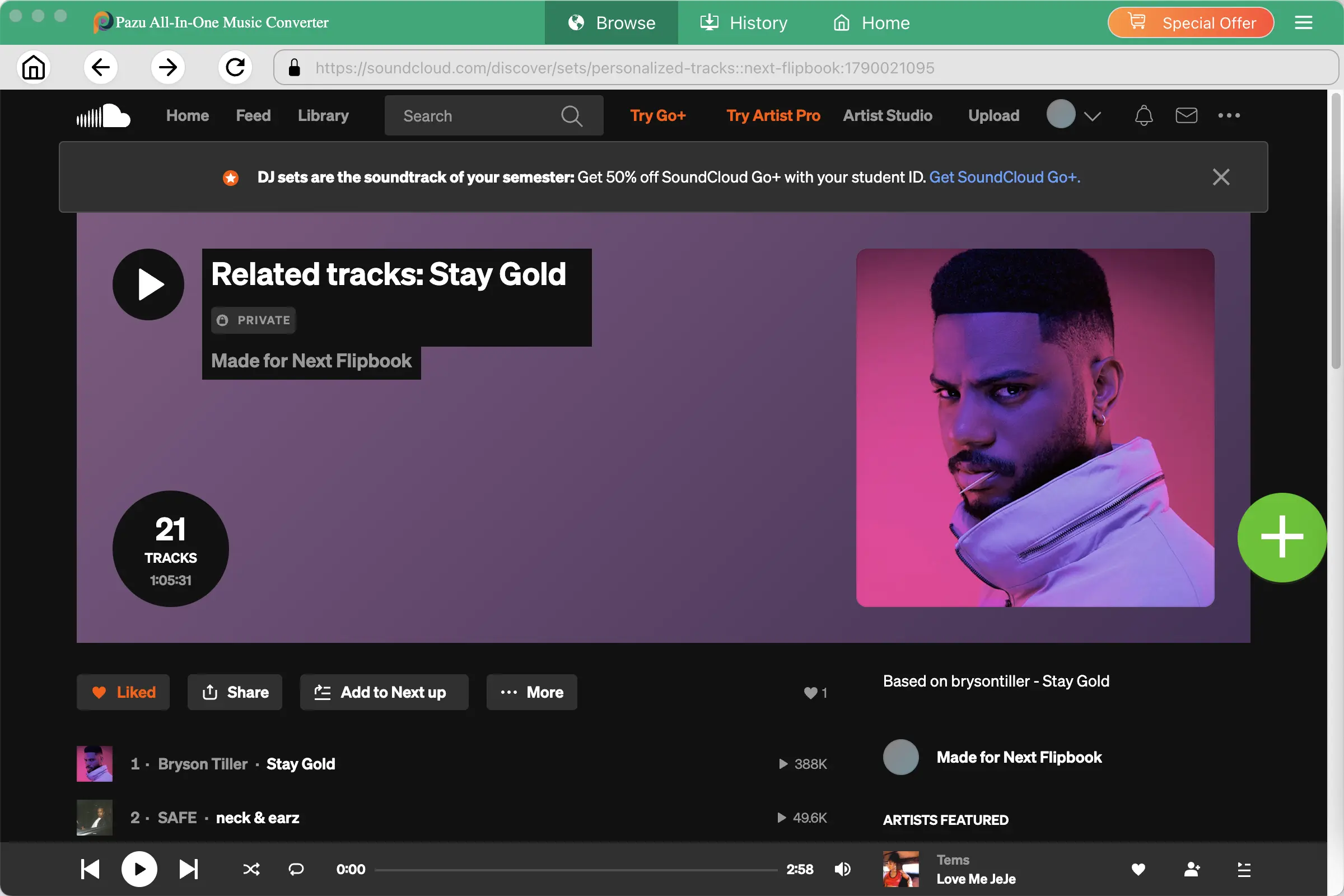
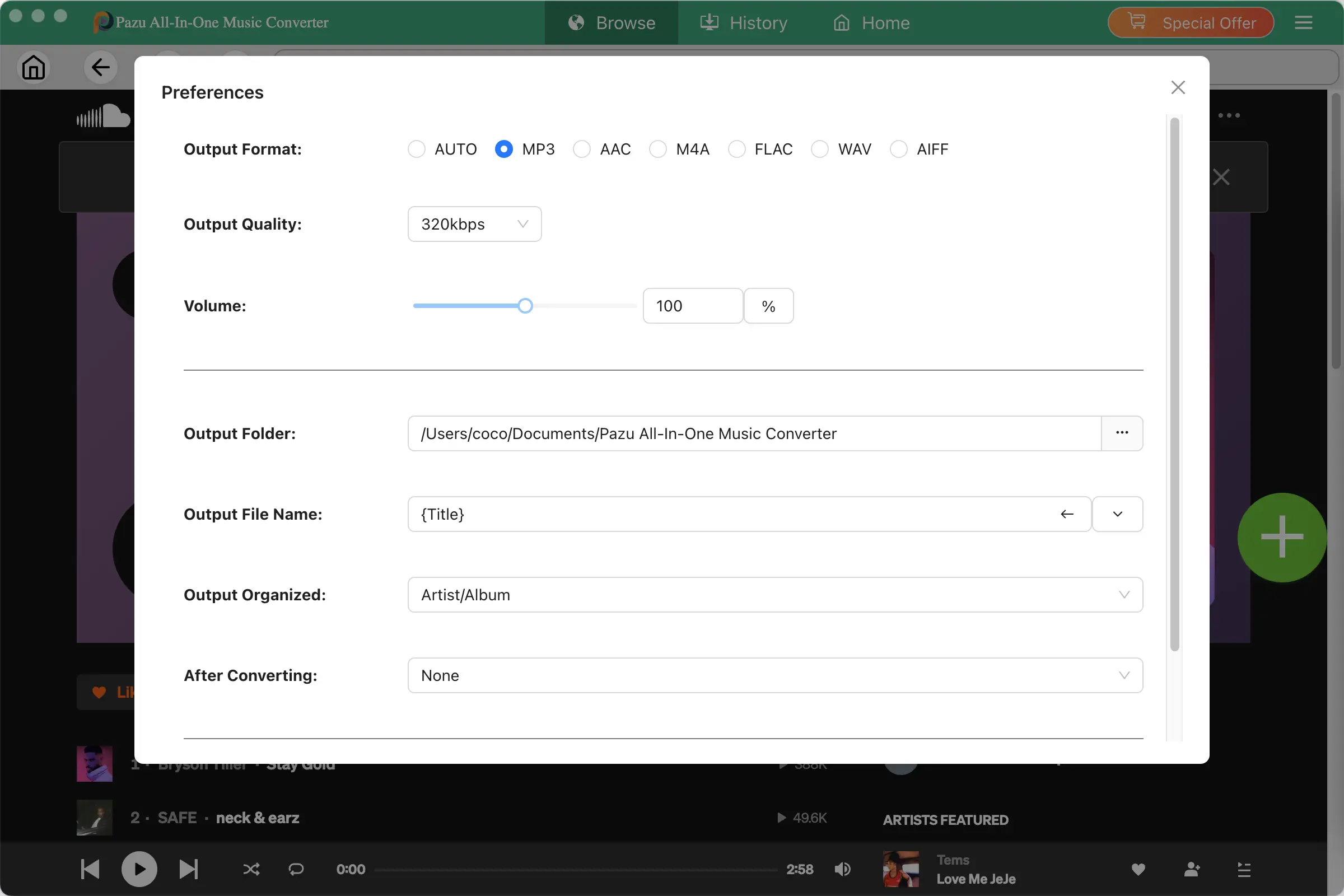
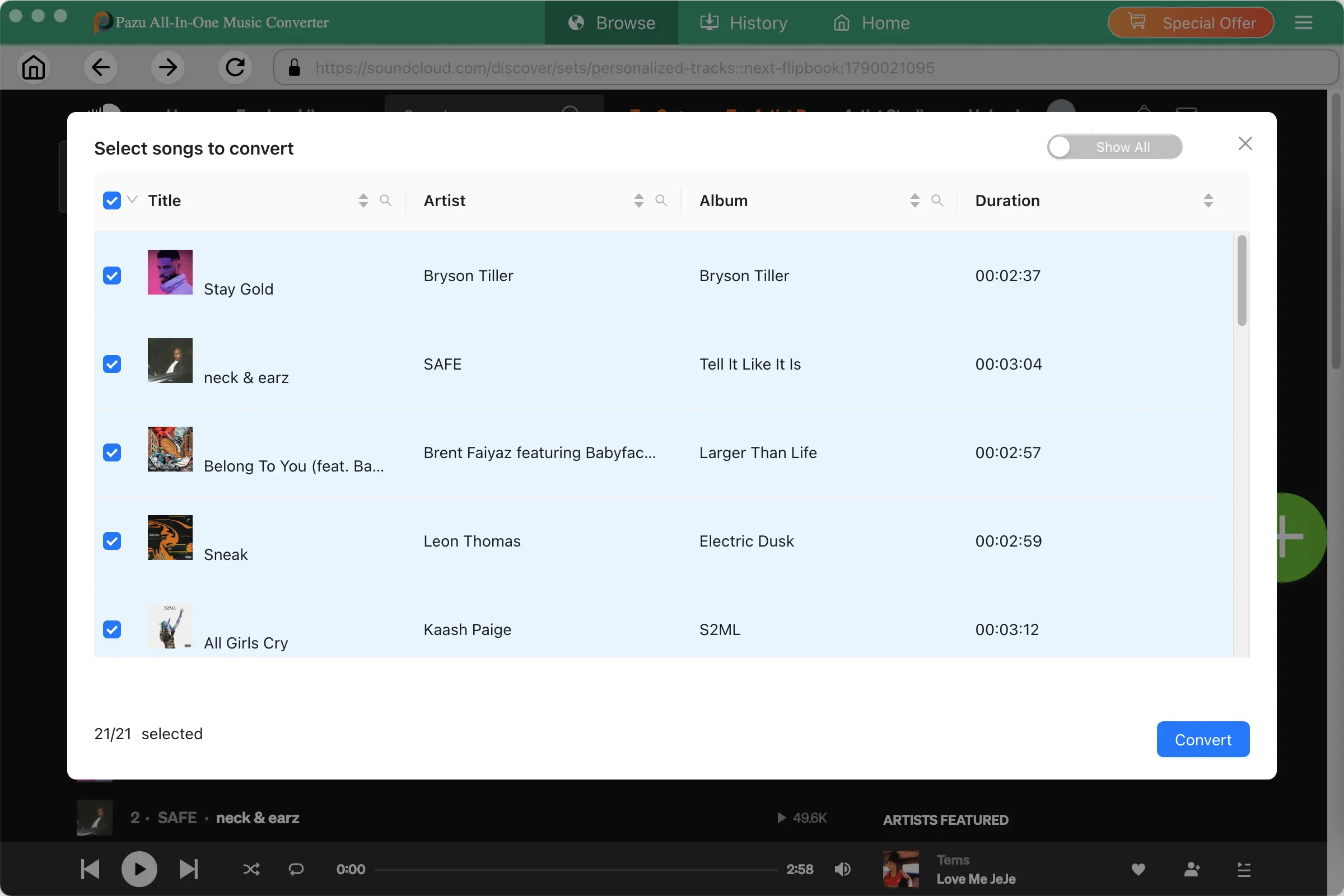

Why Users Choose Pazu SoundCloud Downloader
Easy to Use
"Download your favorite SoundCloud tracks without complicated settings. Find your music, choose an output format, and start downloading in just a few clicks."
Great for Playlists
“Save multiple SoundCloud tracks at once and keep your music organized with metadata and album artwork.”
Flexible Audio Formats
"Choose MP3, M4A, AAC, FLAC, WAV, or AIFF to create a local music library that works with your favorite players and devices."