
Pazu SoundCloud Downloader lets you save supported SoundCloud tracks, playlists, and albums as MP3, M4A, AAC, FLAC, WAV, or AIFF files on your computer. Download music in high quality, keep ID3 tags and album artwork, and manage your SoundCloud downloads locally on Windows and Mac.
To get started, download , install and run Pazu SoundCloud Downloader on your Mac, which features a built-in SoundCloud web player. Sign in to your SoundCloud account.
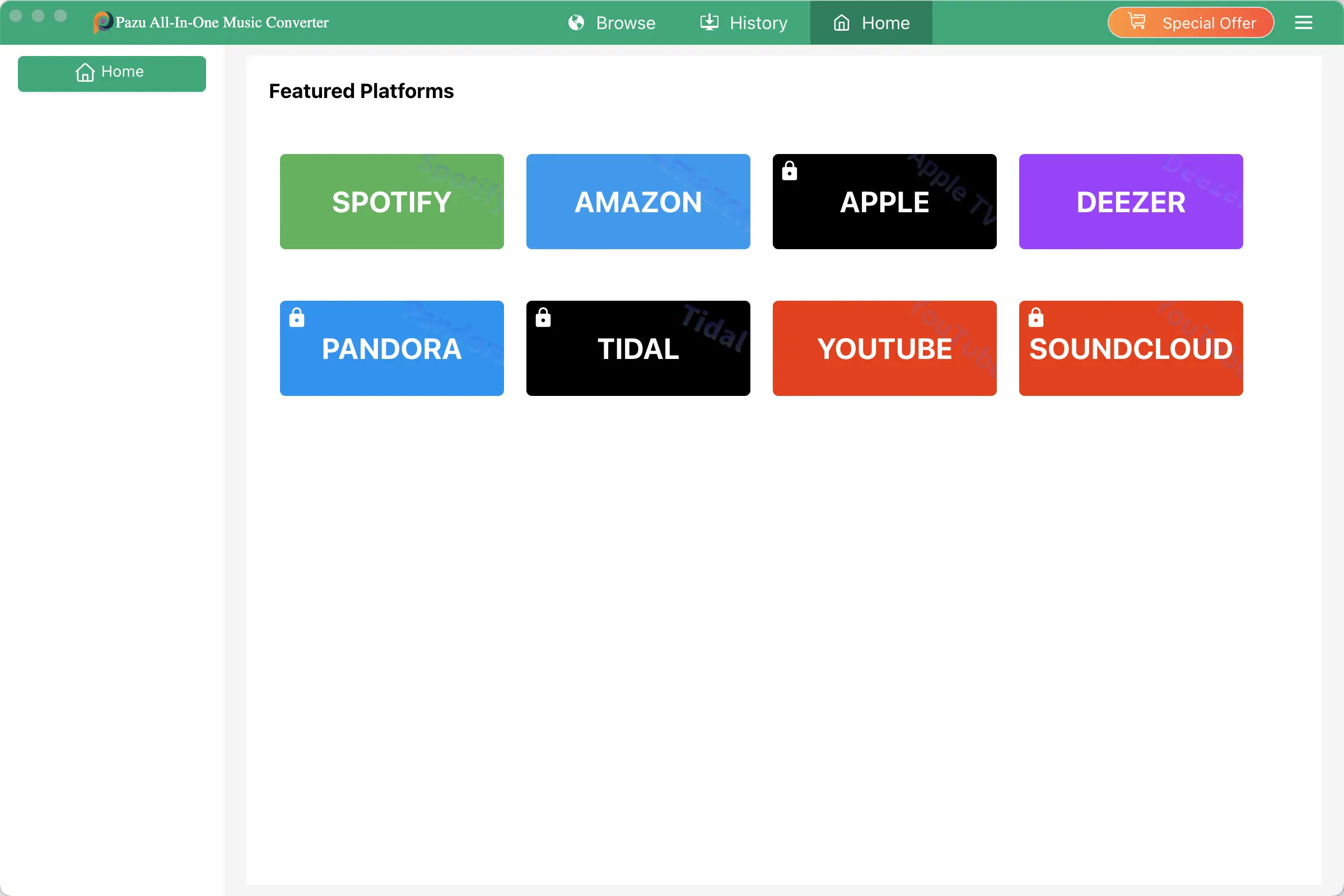
If you have already purchased a license, click Help - Register to register the converter. If not, continue using the trial version. The free trial version allows you to convert 3 songs at a time and 3 minutes for each song. You won’t be charged a single penny if you use the free trial version.
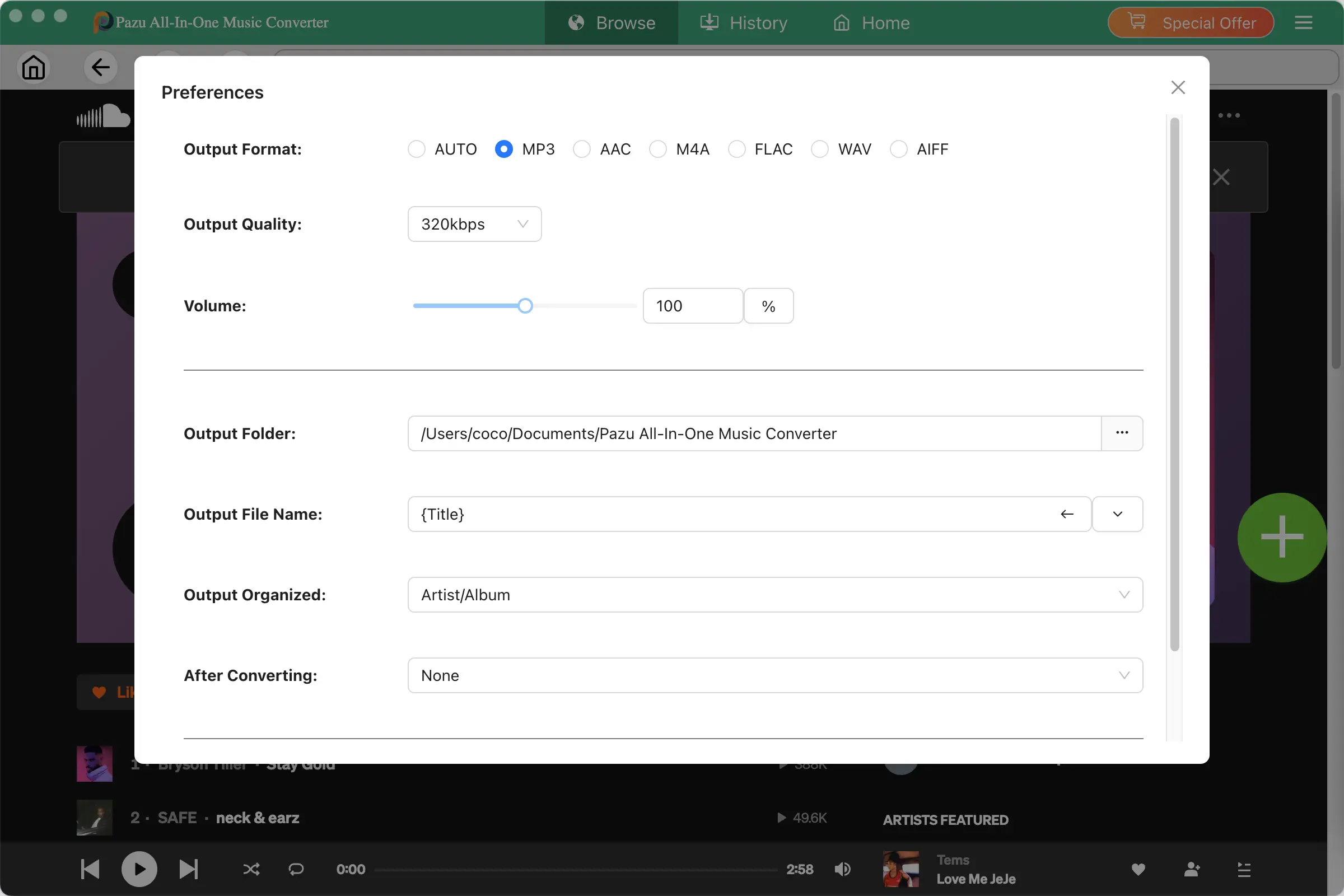
The default output format is M4A. Pazu SoundCloud Downloader also supports MP3, AAC, FLAC, WAV and AIFF. Click the three-line icon - Preferences to change output format or output folder if you need. You can also change bitrate, samplerate according to your needs.
Browse or search to find the songs, albums or playlist you want to download.
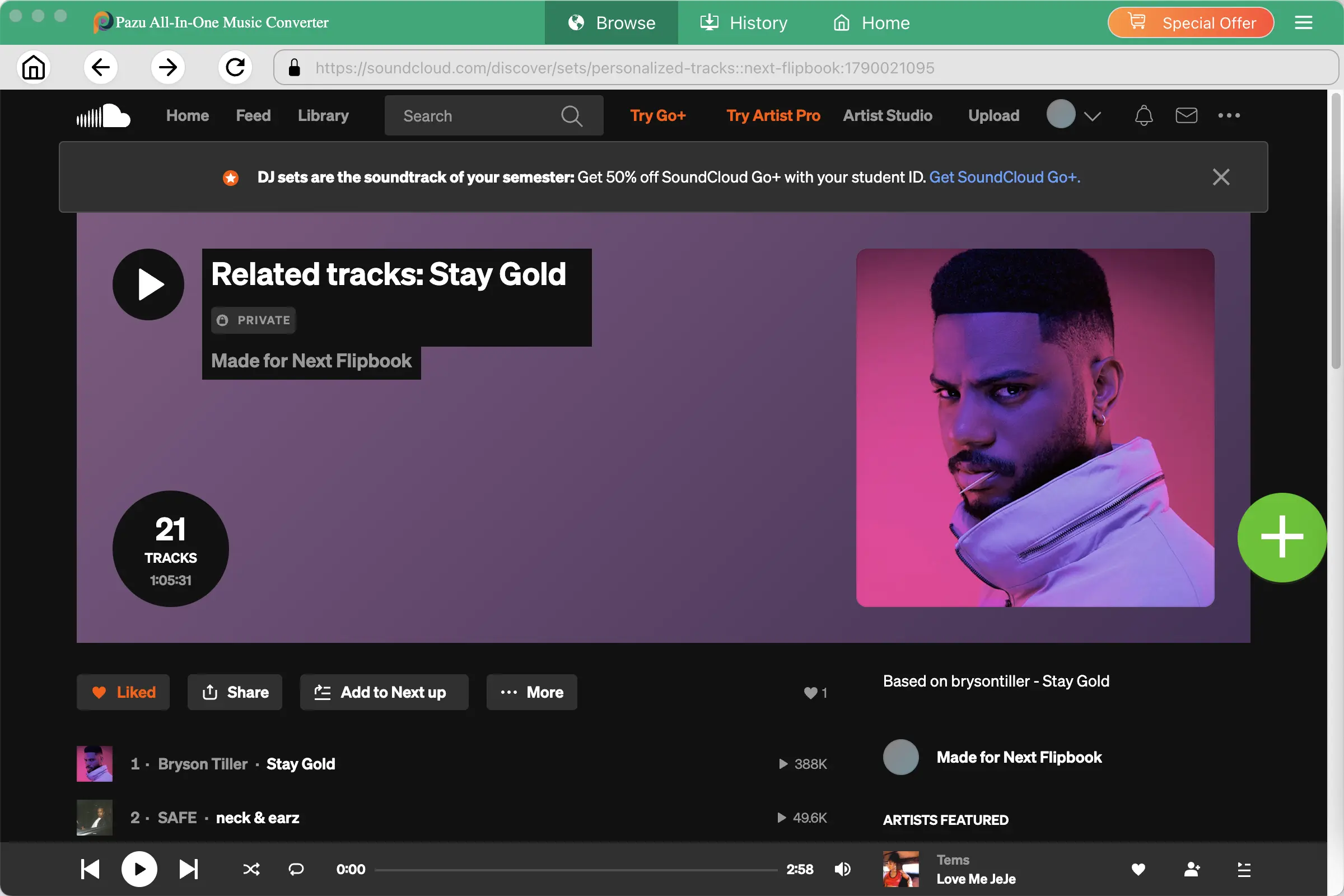
Click the album or playlist you want to download. Then click the green icon to load songs.
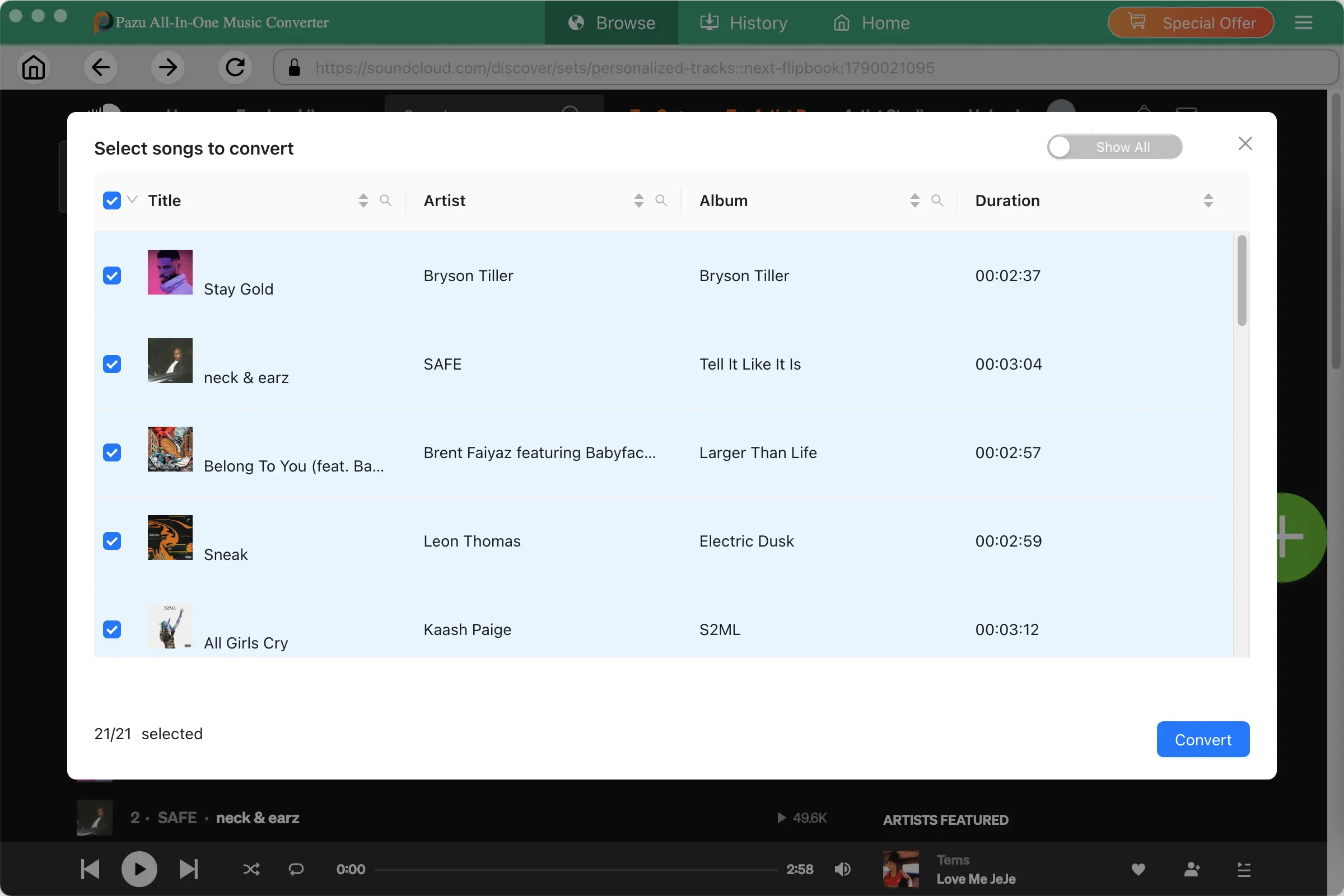
All songs in the playlist/album will be selected by default. You can uncheck the songs you don't want to get. Pazu SoundCloud Downloader does not limit the number of songs that can be downloaded. You can download as many songs as you like.
Once you have checked the songs you like, click Convert. Your favorite songs will be available for download in just a few seconds.
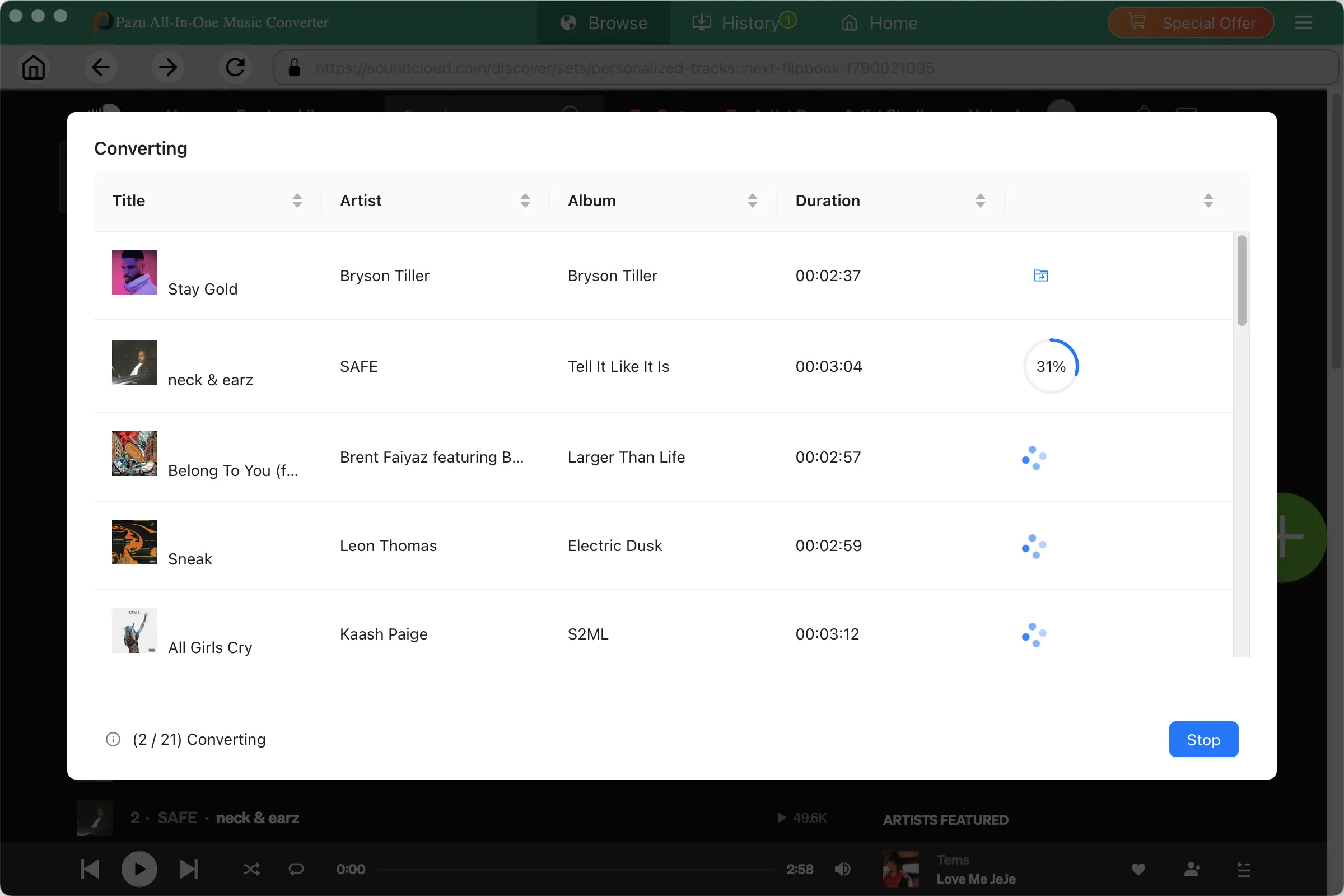
After the songs have been downloaded, click the folder icon to quickly locate the DRM-free Pandora Music songs in the format you choose. You can then transfer and play it anywhere.