

Pandora is a subscription-based music streaming service owned by Sirius XM Holdings, based in Oakland, California, United States. Due to licensing restrictions, Pandora is only available for use inside the United States.
With Pandora, you can get instant access to your favorite artists and podcasts. Create stations from your favorite songs, artists or genres. Browse to find recommended stations. Stream all of the current global hits and enjoy your own personalized music experience.
Offline Mode is only available to current Pandora Plus and Pandora Premium (Family, Student, and Military) subscribers. Downloaded stations, albums, songs, or playlists (depending on your subscription level) are only available for listening within the Pandora app while your subscription is active. It’s not possible to transfer your Pandora music collection to an external music library. If you want to access Pandora on an MP3 player or keep the downloads forever, the best method is to download Pandora to MP3.
Pazu Pandora Music Converter is a powerful MP3 downloader offering high-quality output up to 320kbps with ID3 Tags (title, artist, and album). As the most popular Pandora to MP3 downloader, it is an ideal tool for downloading Pandora songs, albums, playlists, and podcasts on Mac and Windows.
Pazu’s streamlined functionality makes it easy to search and download high-quality Pandora audio files. Just log in to your Pandora account in the built-in Pandora web player. Then you can browse your Collection or Pandora library to find the song, album, podcast, or playlist you want to download. You can also use the search box to find specific artists, song titles, podcasts, and more for downloading.
In this guide, we will show you how to download MP3 songs from Pandora.
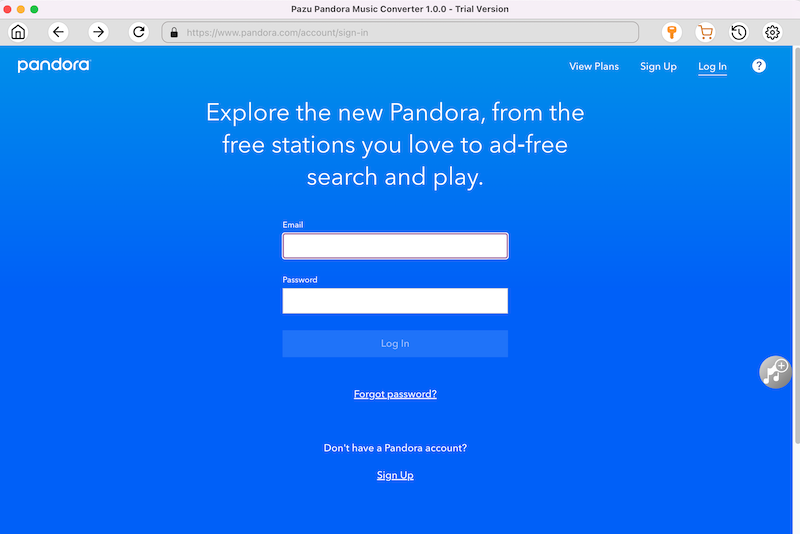
Download Pazu Pandora Music Converter and then install it on your computer. After launching the converter, log in your Pandora account on the main interface.
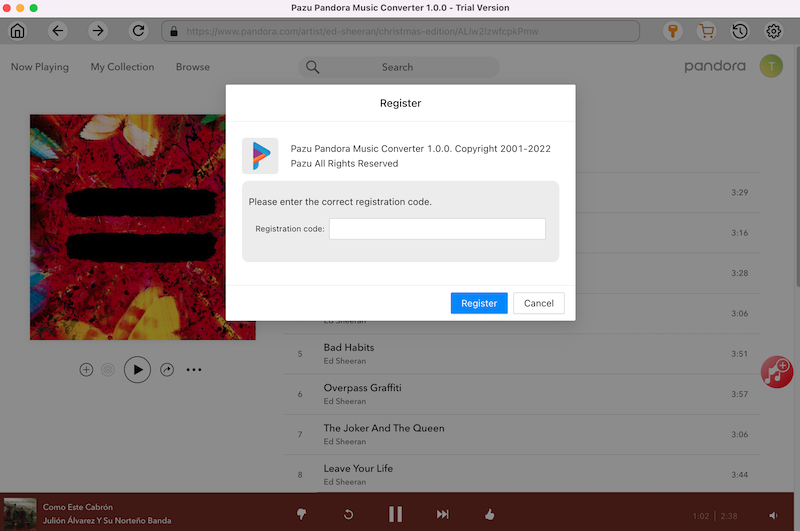
If you already purchased a license, click the key icon to register the converter. If not, continue using the trial version.
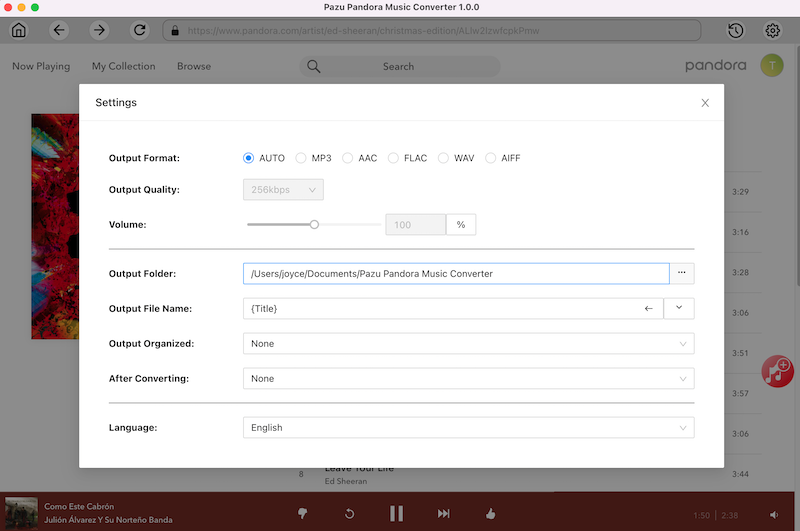
Click on the “Settings” icon in the upper right corner to choose the output format(M4A, MP3, AAC, FLAC, WAV, AIFF), output quality(up to 320kbps), output folder, file name format, how output songs organized, interface language, etc.
In the built-in Pandora web player, find and open the playlist or album you need to convert. Or use the search function to find what you want.

Pazu will detect all the songs and display them for you. All songs in the playlist/album will be selected by default. You can uncheck the songs you don’t want to download.
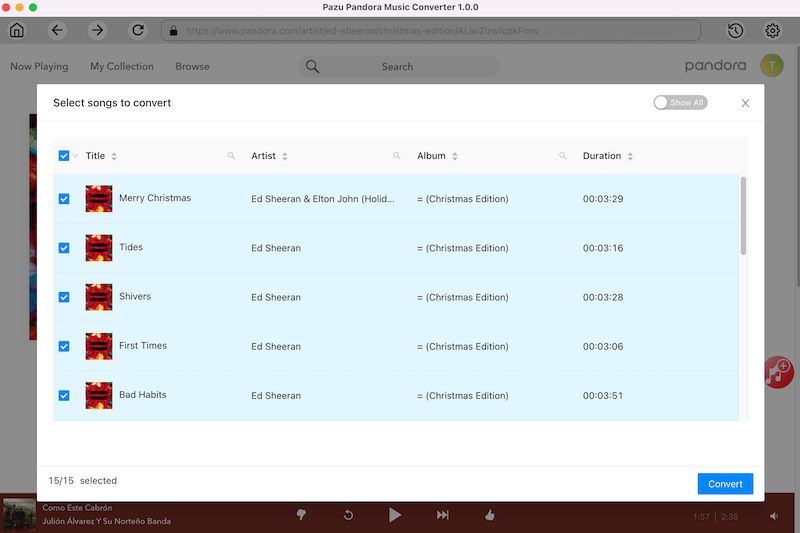
After selecting the songs, click on the “Convert” button. Now you can download songs from Pandora without premium. Just wait for the conversion to finish, and then you can enjoy the music anytime.

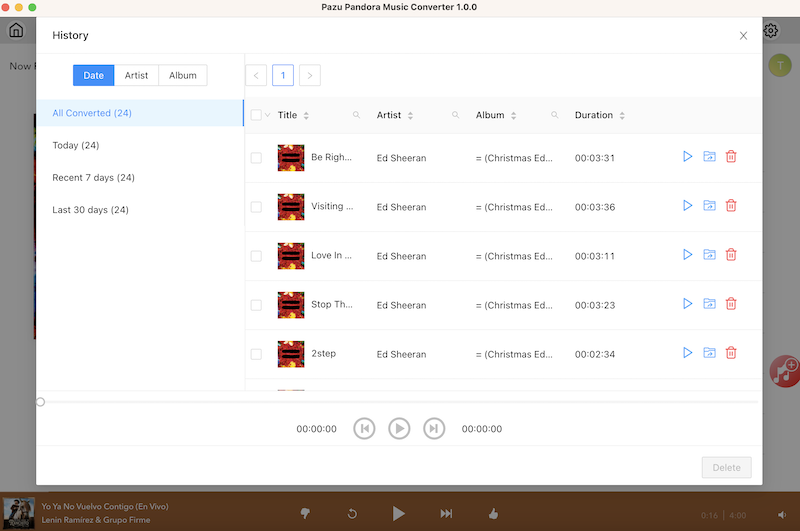
After the download is complete, click the clock icon in the upper-right corner to view all downloaded songs. Click the folder icon to locate the songs from the local directory.

Download and convert Pandora Music to MP3, M4A, etc