

If you are an Amazon Prime subscriber, Amazon Music may be the most suitable music streaming service for you. Any Amazon Prime member has access to Amazon Music Prime with 100 million songs and top podcasts ad-free. You can shuffle play any artist, album, or playlist from the expanded music catalog and discover new music based on your likes. However, Amazon Music Prime members can only download All-Access Playlists to listen offline. This article explains how to download any songs from Amazon Prime Music with Pazu Amazon Music Converter.
Yes, but with limitations. Amazon Music Prime is included with an Amazon Prime membership. You can access the full catalog of over 100 million songs. However, playback across most of the catalog is restricted to shuffle mode. On-demand listening and download features are available only to the All-Access Playlists. To unlock full on-demand playback and download any individual song, album, or playlist offline, you will need to upgrade to Amazon Music Unlimited at an additional cost.
All-Access Playlists are automatically generated based on your listening history, as well as curated genres, top hits, and editor picks. You can find All-Access Playlists on the Home page of the Amazon Music app or web player.

On desktop


On mobile

If the playlist is not an All-Access Playlist, you can’t download it for offline playback.

Amazon Music Prime is included in your Amazon Prime membership with no additional cost. As an Amazon Prime perk, Amazon Music Prime members can only download All-Access Playlists to listen offline. If you want more offline music, here are three options.
If you want more offline music, subscribe to Amazon Music Unlimited and unlock millions more offline songs.
As a Prime member, you can join Amazon Music Unlimited for $11.99/month for a monthly subscription or $119/year for an annual subscription. Non-Prime customers pay $12.99/month. Any song, album, or playlist can be downloaded so you can listen offline on mobile and desktop devices.
Web player


Desktop app

Mobile app
Note that upgrading from Amazon Music Prime to Amazon Music Unlimited will typically cost more on an iPhone, due to Apple tax.
In addition to streaming music, Amazon Music allows you to purchase digital music. You can also download purchased Amazon Music songs as DRM-free MP3s encoded at 256 kbps. This means you can play them on any MP3 player, such as Apple Music/iTunes or Windows Media Player, and you don’t need to worry about format compatibility or license expiration.
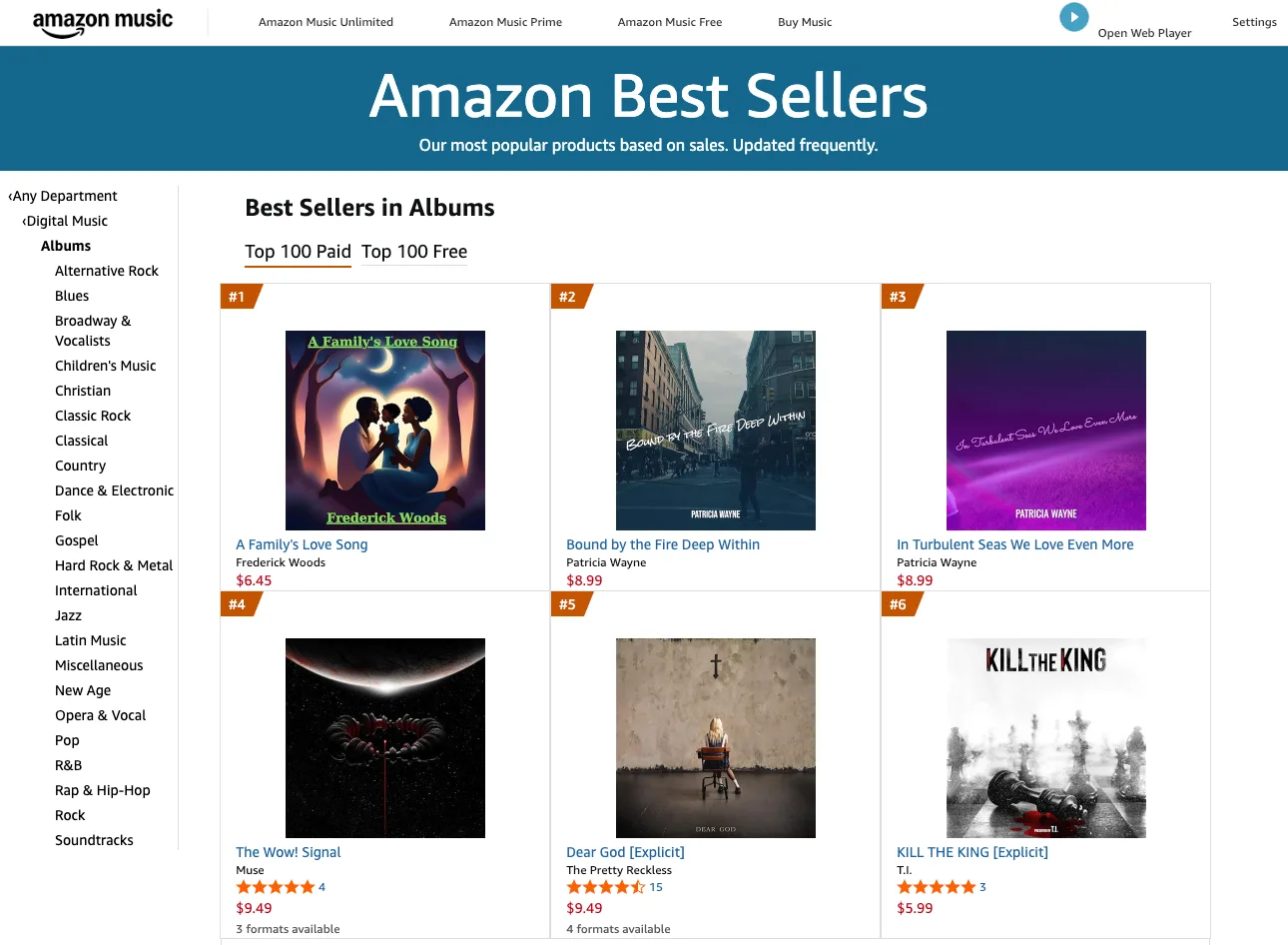
Using the Amazon Music Store is easy. You can find millions of songs to purchase. Most songs are between $0.99 and $1.29, and most albums are between $9.99 and $14.99. You can browse by price or genre, shop for Best Sellers, or check out new and future releases. You can also listen to the tracks before buying. If you’ve signed up and set up your payment profile, you’ll find that the “one-click ordering” makes buying music very easy.
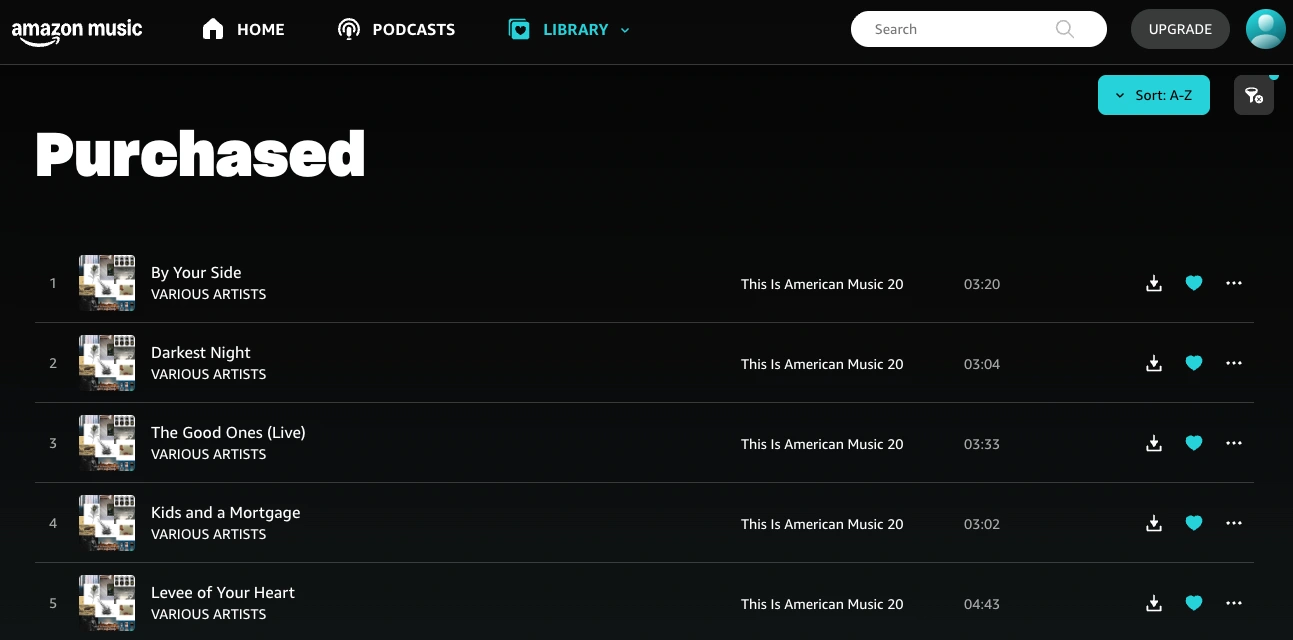
After purchase, find the songs at https://music.amazon.com/recently/purchased. Click the Download icon to save the songs directly to your device, then transfer them to your preferred media players.
There is a professional Amazon Music Downloader that allows you to download any songs, albums and playlists from Amazon Music Prime/Unlimited to MP3, M4A, AAC, FLAC, WAV and AIFF, so you can play the songs anywhere you want, with iTunes, Windows Media Player, or your MP3 player, etc.
This professional Amazon Music downloader is Pazu Amazon Music Converter, which is developed to download any Amazon Music songs, albums, and playlists to MP3, M4A, etc. The audio quality and original ID3 tags will be well preserved in downloaded MP3 files. Now follow the tutorial below to convert Amazon Music to MP3 in a few steps.
Download, install, and launch Pazu Amazon Music Converter on your computer, then click Sign In to log in to your Amazon account.
If you have purchased a license, click the key icon to register the converter. If not, continue using the trial version.

Click the Settings icon in the top-right corner and select MP3 as the output format.

Select the desired songs, albums or playlists you wish to download. Once you open an album/playlist and tap the red Add button suspended on the right side, you’ll be presented with the list of songs.

All songs in the playlist will be added by default. Click the check box next to the track that you don’t want to convert.

Click the Convert button in the bottom right corner, and Pazu Amazon Music Converter will automatically download and convert Amazon Music tracks to the default folder on your computer.

When the conversion process finishes, you can browse all the converted songs in the history list by clicking on the  icon. And now you’re prepared to stream your Amazon Music songs anywhere.


Download Amazon Music to MP3, FLAC, etc.