

Pandora is one of the most popular music streaming services in the world. In the fourth quarter of 2025, Pandora had 41.11 million monthly active users in the United States (according to Statista). Pandora is mostly known for its personalized music suggestion feature which will choose songs for you based on an analysis of your preferences, listening habits, and playlists. The more songs and artists you rate, the more accurate your Pandora personalization will be.
Same as Spotify, Pandora also offers ad-supported access to certain features for free. Users can also opt to upgrade to a paid subscription to remove ads and get more features. Pandora Free doesn’t support offline listening. So if you want to download Pandora music with a free account, you will need a professional third-party Pandora music downloader.
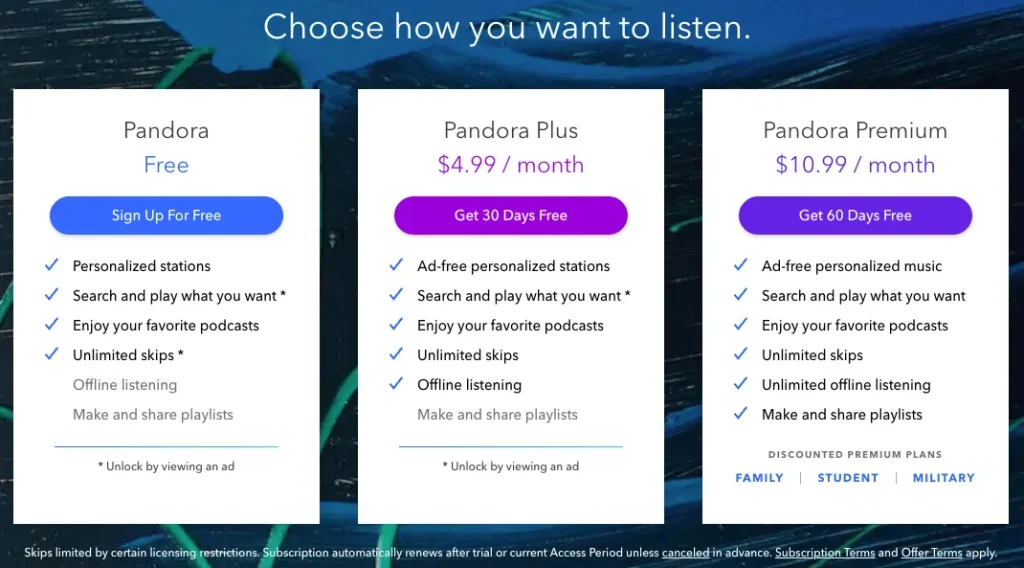
You can only download Pandora music on iOS or Android mobile devices and Apple Watches. The process for downloading content to your device differs based on your subscription level.
Pandora will automatically download three of your most-listened-to stations to get you started, as well as your Thumbprint Radio (if you have not deleted it). Plus subscribers do not get to choose which stations they’d like to download. Pandora will check the offline stations each week to make sure they are always your most listened to.
Pandora Premium subscribers can download songs, albums, stations, or playlists to listen offline. To download content, go to My Collection, tap the title of the song or album, and tap the download button (the icon with an arrow pointing downward). Keep in mind that this button will only appear for eligible tracks.
Looking for an easy way to download music from Pandora for free? Look no further than Pazu Pandora Music Converter! This convenient tool lets you download Pandora songs, albums, playlists and podcasts as MP3 files so that you can enjoy your favorite tunes offline.
Find the songs, albums and playlists you want to download from the built-in Pnadora web player, customize output settings, and click the “Convert” button. In a matter of seconds, your MP3 file will be ready to listen. Pazu Pandora Music Converter is easy to use and compatible with Mac and Windows. Give it a try today!
In this guide, we will show you how to download MP3 songs from Pandora.
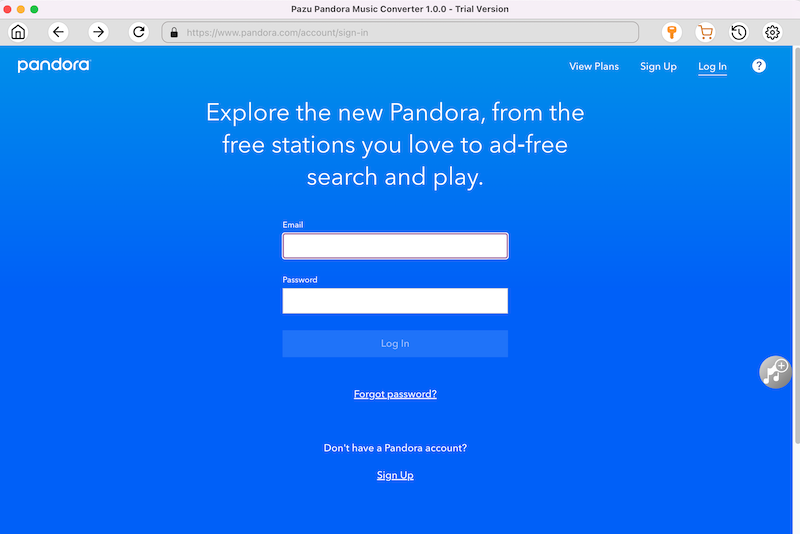
Download Pazu Pandora Music Converter and then install it on your computer. After launching the converter, log in your Pandora account on the main interface.
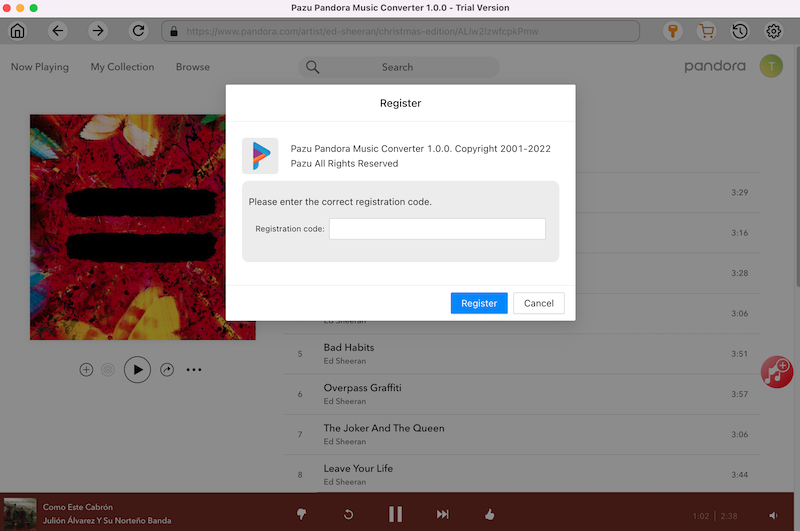
If you have already purchased a license, click the key icon to register the converter. If not, continue using the trial version. The application provides downloading for non-commercial use purposes only.
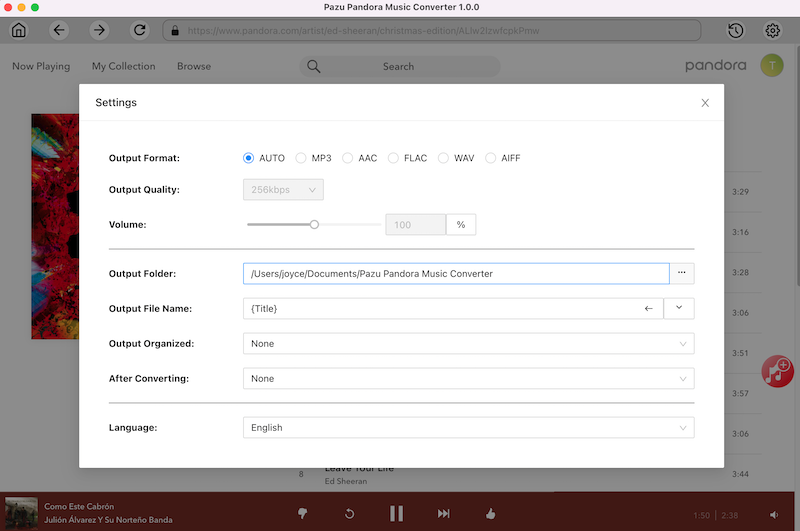
Click on the “Settings” icon in the upper right corner to choose the output format(M4A, MP3, AAC, FLAC, WAV, AIFF), output quality(up to 320kbps), output folder, file name format, how output songs organized, interface language, etc.
In the built-in Pandora web player, find and open the playlist or album you need to convert. Or use the search function to find what you want. Smart search: search any songs, artists, albums, singles, covers, remixes, podcasts and more.

Pazu will detect all the songs and display them for you. All songs in the playlist/album will be selected by default. You can uncheck the songs you don’t want to download.
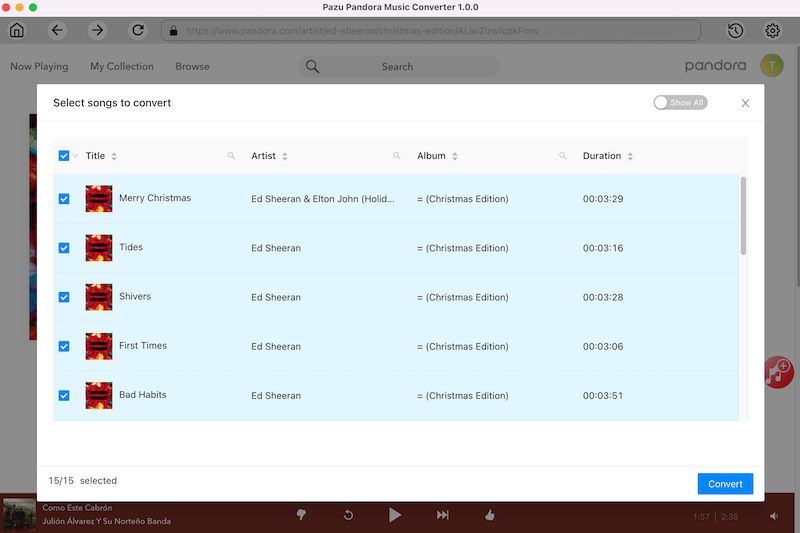
After selecting the songs, click on the “Convert” button and you can manage to download songs from Pandora without Premium. Now you can just wait for the conversion to finish, then enjoy the music at any time.

After the converting is complete, click the “clock” icon in the upper right corner to view all downloaded songs. Click the folder icon to locate the songs from the local directory.
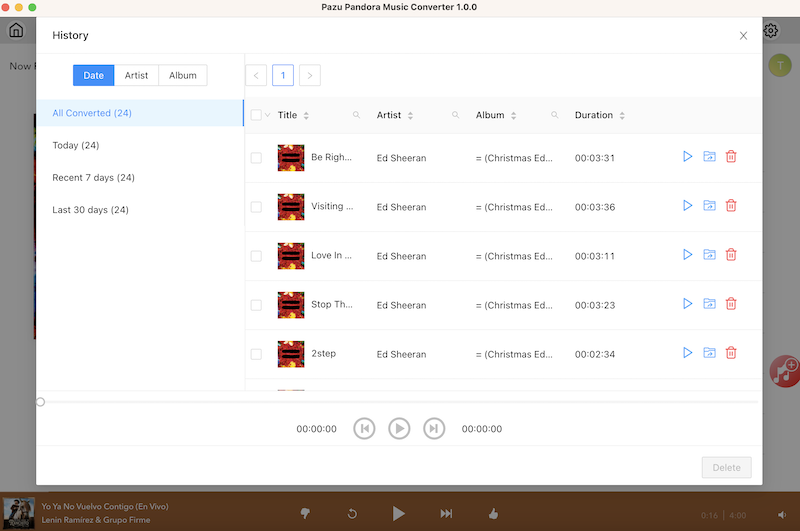

Download and convert Pandora Music to MP3, M4A, etc