

YouTube Music is the music streaming service of YouTube with a curated library of official songs, albums, and artist content. It integrates with YouTube for music videos but doesn’t offer the same range of user-generated content. YouTube Music offers an offline playback feature, but only for Premium members. Downloaded content is restricted to play within the YouTube Music app on mobile devices.
Many free online downloaders can help you enjoy YouTube Music offline. However, some of them might not work properly. To simplify your search process and avoid encountering non-functional downloaders, here is a list of the top websites to download YouTube Music for offline listening.

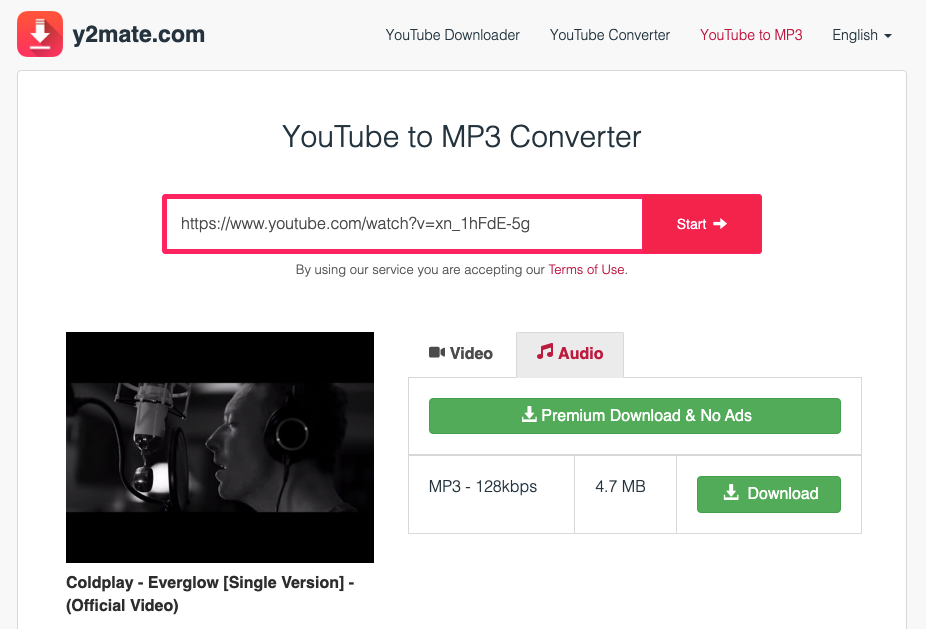
Y2mate is a free web-based download tool you can use to download videos and music from YouTube. It supports multiple languages and generally offers stable functionality, making it one of the most popular online Spotify downloaders.
Currently, the audio download quality is limited to 128 kbps (previously ranging from 64 kbps to 320 kbps). In addition, y2mate doesn’t support batch downloading, meaning you’ll need to download songs one by one, which can be time-consuming for large playlists.
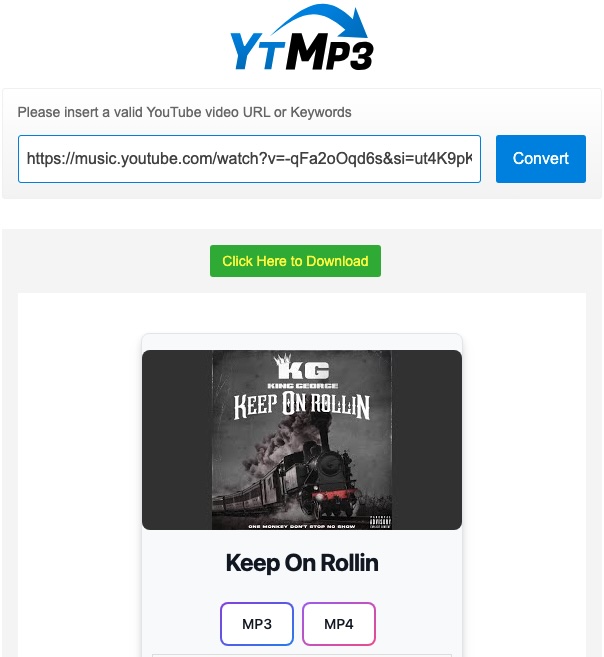
YtMp3 is a free online YouTube downloader offering both video and music downloads. When downloading music, users can choose up to 320 kbps. You can also paste a playlist link into this online downloader, which will list the playlist’s songs, but you still need to download them one by one.
In addition, keep in mind that YtMp3 is ad-supported. You will be redirected to other webpages while downloading.
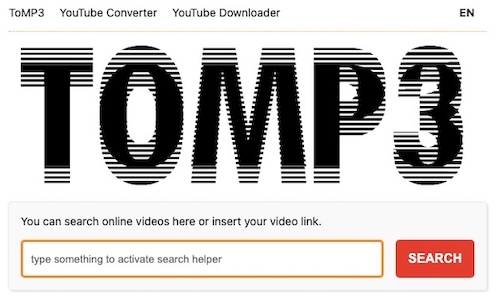
ToMP3 offers a YouTube Music downloading experience similar to y2mate but with slower download speeds. Meanwhile, users encounter familiar limitations with ToMP3, including the absence of batch downloading and interruptions from advertisements.

What sets LOADER, this free online YouTube Music downloader apart is its offering of multiple popular download formats, including MP3, M4A, FLAC, WAV, and more, with download quality up to 320kbps—a key advantage for audiophiles.
However, processing times before download are typically longer.
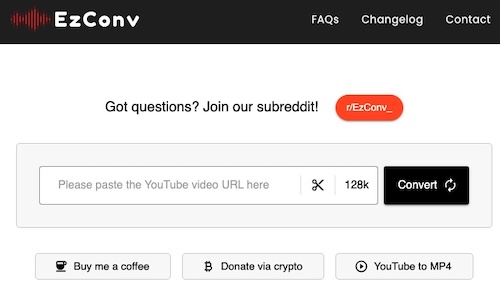
EzConv is an ad-free online YouTube music downloader, meaning you don’t need to watch ads during the downloading process. It is free to use and downloaded songs are up to 128kbps.

OnlineVideoConverter can download YouTube Music songs with simple steps. The multiple-language interface makes it accessible to a wider audience.
However, users may experience slow download speeds and unstable performance, often resulting in music quality loss due to the inability to customize the audio quality of downloaded files.
Free online downloaders are fine for downloading single tracks. However, when downloading a large playlist, it is time-consuming to manually paste URLs and save songs one by one. You will also likely encounter ads, making the process more interrupting. For a reliable and efficient solution, consider using a dedicated tool – Pazu YouTube Music Converter.
Pazu YouTube Music Converter is an excellent option for both Free and Premium users to download YouTube Music songs, albums, playlists, and podcasts. You can use it on Mac and Windows, and downloaded files are available in common formats such as MP3, M4A, and WAV. Additionally, this powerful tool includes a built-in YouTube Music web player, so you don’t need to manually copy and paste song links. Simply search for the music within the YouTube Music catalog and download it in original quality with full ID3 tags.
Here are the detailed steps for downloading YouTube Music to MP3 with Pazu YouTube Music Converter.
To get started, download, install and run Pazu YouTube Music Converter on your Mac or Windows, which features a built-in YouTube Music web player.
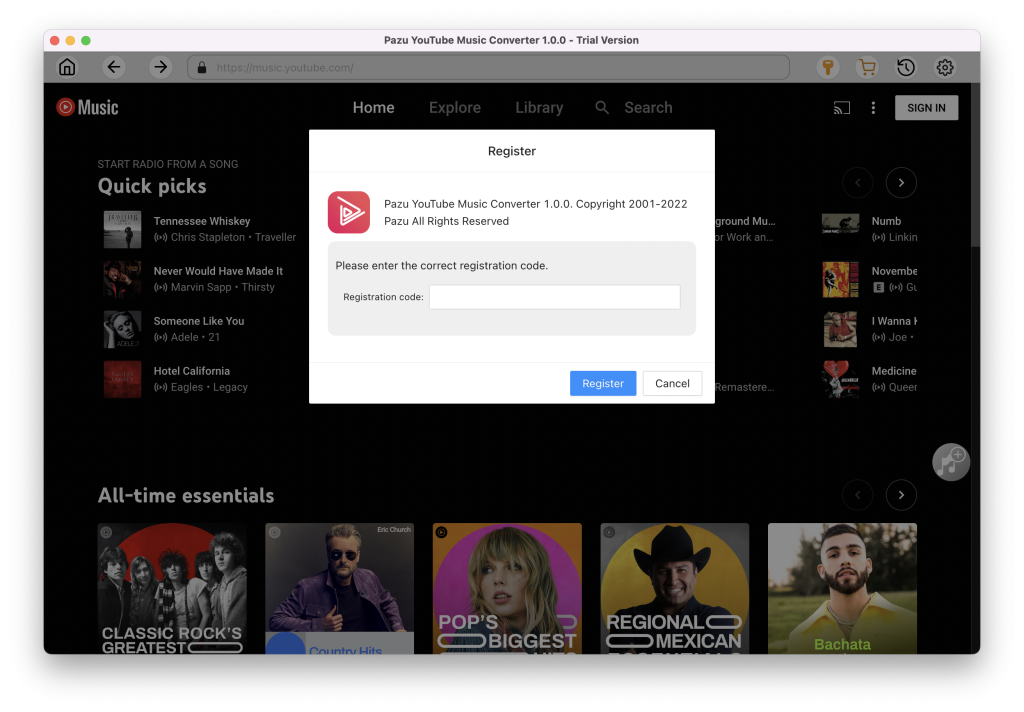
Launch the YouTube Music to MP3 Converter. If you have already purchased a license, click the key icon to register the converter. Otherwise, continue using the trial version.
You don’t need to sign in to your YouTube Music account.
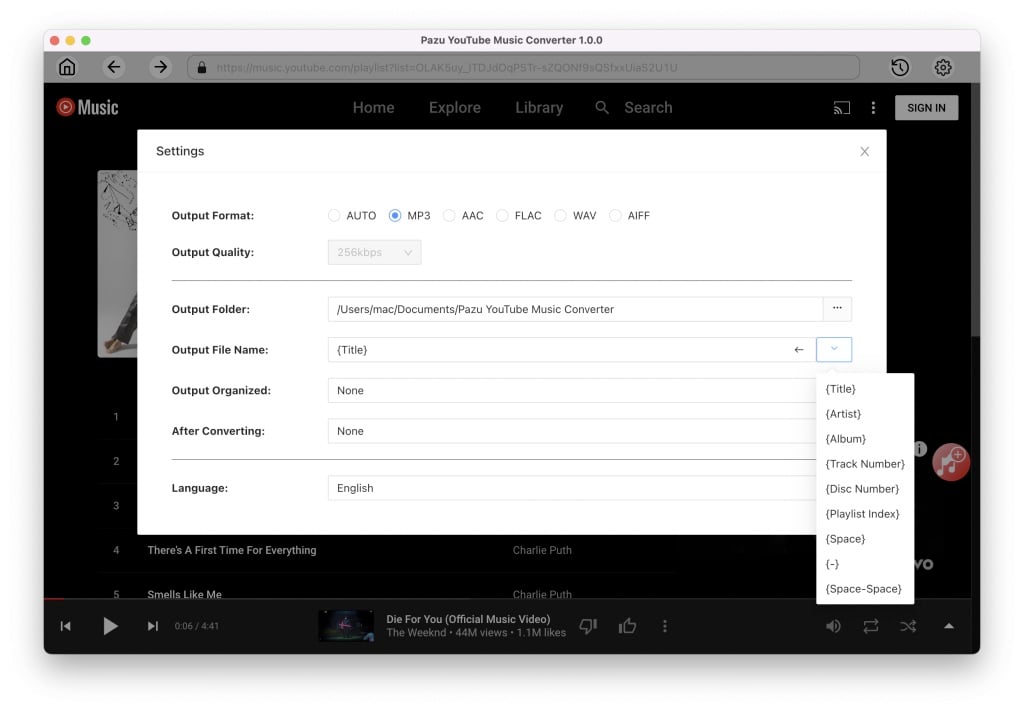
Click Settings (the gear icon) in the upper right corner and set the output format to MP3. You can also customize the output quality, folder, file name, language, and more for your downloaded music files.
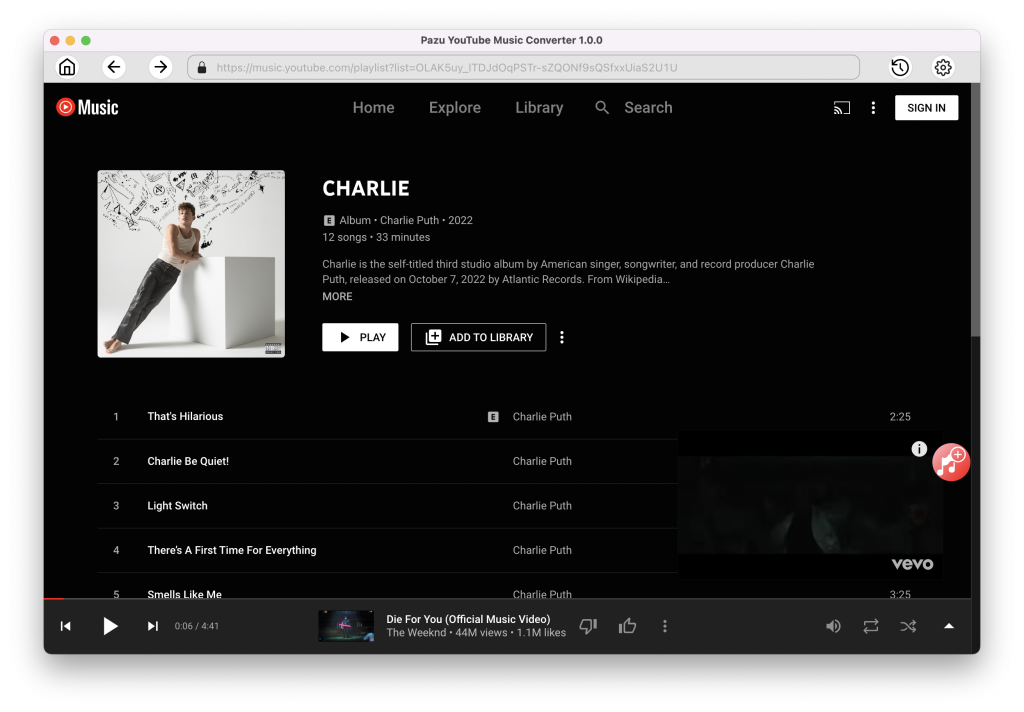
Browse or use the search function to find the songs, albums, or playlists you want to convert to MP3, then click the red Add to List icon to load the songs.
All songs in the playlist/album will be selected by default. You can uncheck the songs you don’t want to download.
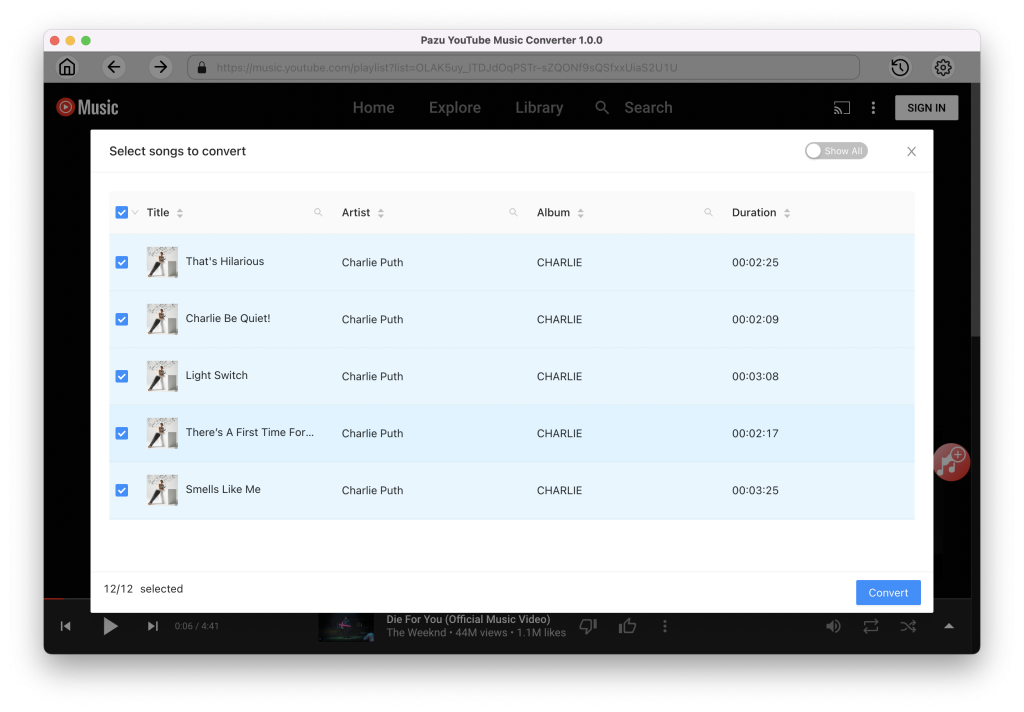
Click the Convert button and the program starts converting the YouTube Music songs.
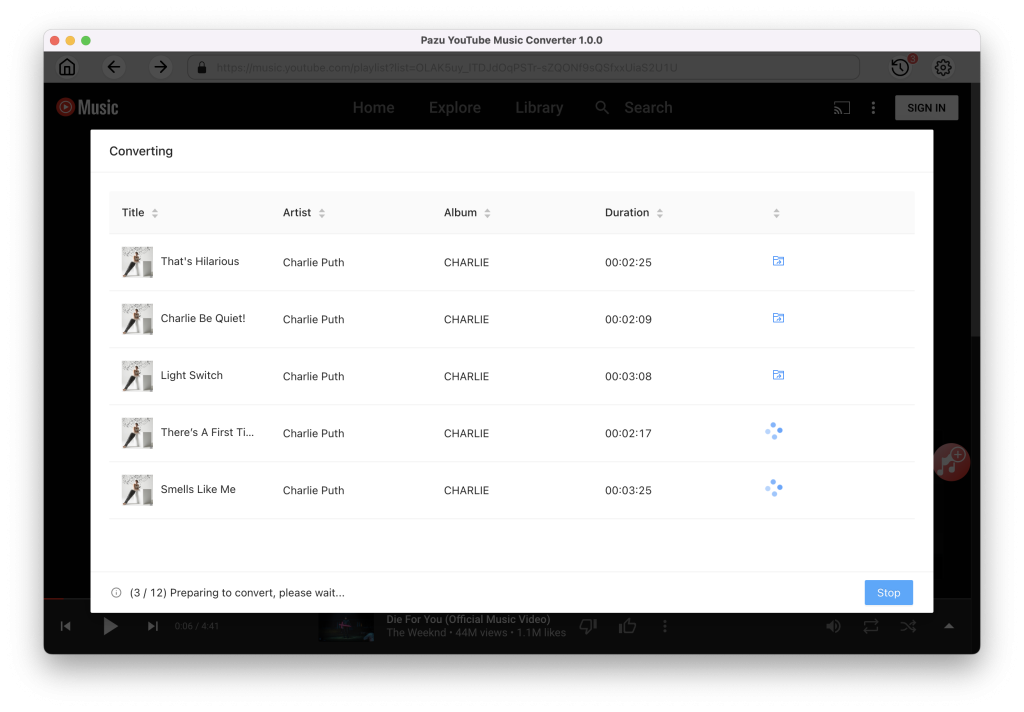
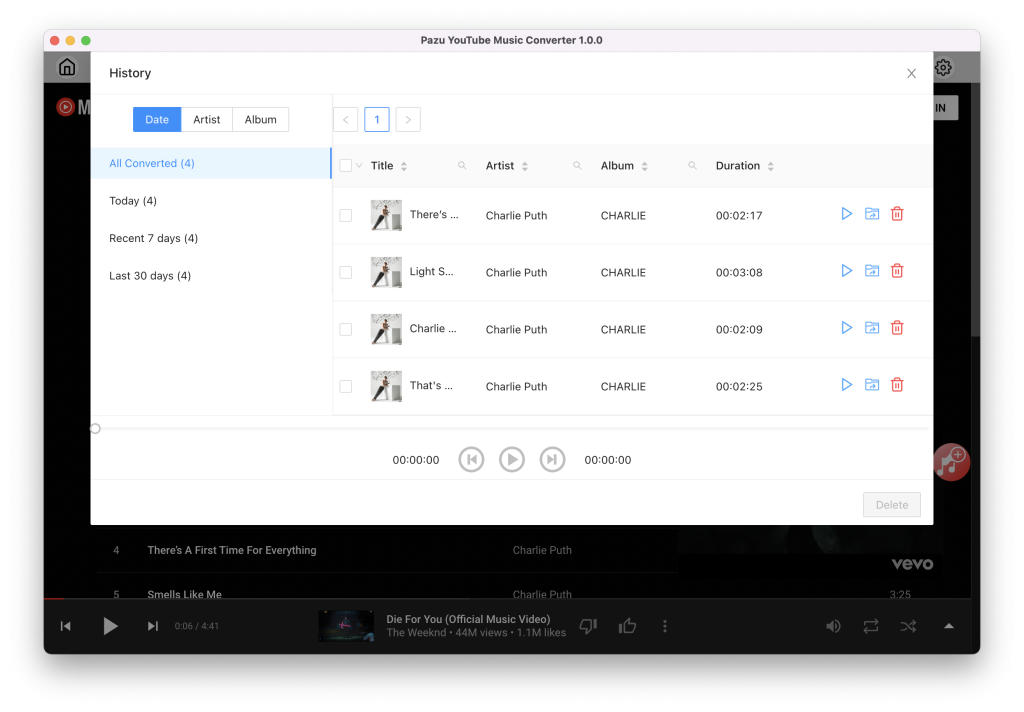
After the conversion is complete, click on the clock icon in the upper right corner to access the converted YouTube Music songs. To locate the the converted YouTube Music songs:
Free websites offer a convenient solution for downloading individual songs from YouTube Music. However, if you want to batch download songs in playlists and albums, Pazu YouTube Music Converter stands out as the top choice. It supports both Free and Premium users to save songs from YouTube Music on Mac and Windows. After downloading, you can easily transfer the tracks to any compatible device for offline listening.

Download and convert YouTube Music to MP3, M4A, etc