

YouTube provides an excellent platform for free video streaming, but the presence of ads can be bothersome. For an enhanced viewing and listening experience, YouTube Premium offers an ad-free environment, offline playback, exclusive content, and free access to YouTube Music Premium.
New users are granted a one-month free trial when they visit www.youtube.com/premium. For those seeking a more extended trial period, various options are accessible. By reading further, you can discover how to extend your YouTube Premium Free Trial to a duration of up to 6 months.
YouTube Music Premium Included
When you get YouTube Premium, you’ll also get YouTube Music Premium at no extra cost. Enjoy unlimited, ad-free access to the music service.
Background play
Keep YouTube videos or music playing when the screen is off or when you’re using other apps.
Ad-free
Enjoy videos/music on YouTube without ads.
Download and go
Download YouTube videos/music and enjoy them on-the-go. No internet connection or signal necessary.
How much does YouTube Premium cost?
YouTube Premium: $15.99/month($159.99/year), or $26.99/month for family and $8.99/month for students.
Besides YouTube Premium, the platform also offers YouTube Premium Lite (in certain countries) and YouTube Music Premium to provide benefits such as background play, downloads, and ad-free for different content.
YouTube Premium is the only plan that ensures you never see an ad anywhere on the platform. YouTube Music Premium is strictly a music streaming subscription. Benefits don’t cover your regular YouTube video experience. While Premium Lite benefits are available on most non-music content, excluding Shorts.
2026 Comparison Table
| Feature | YouTube Premium | YouTube Premium Lite | YouTube Music Premium |
| Monthly Price (US) | $15.99 | $8.99 | $11.99 |
| Ad-Free Videos | ✅ All Content | ⚠️ Most Content | ❌ No (Ads on regular videos) |
| Background Play | ✅ Supported | ⚠️ Most Content | ⚠️ Music App only |
| Offline Downloads | ✅ Supported | ⚠️ Most Content | ⚠️ Music App only |
| Music App Access | ✅ Included (Ad-free) | ❌ Not Included | ✅ Included (Ad-free) |
| Ads on Music | ✅ No Ads | ❌ Contains Ads | ✅ No Ads (In Music App) |
| Ads on Shorts | ✅ No Ads | ❌ Contains Ads | ❌ Contains Ads |
Google Fi subscribers on the Unlimited Premium plan can get 6 months of YouTube Premium at no extra cost. At 6 months, your subscription automatically renews into an individual monthly YouTube Premium subscription at its regular price until you cancel YouTube Premium. You or your Google Fi group owner can opt out of the renewal or cancel your subscription at any time.
To start your 6 months of YouTube Premium on Google Fi:
For details, visit the Google Fi Free YouTube Premium page.
Xiaomi is offering up to 3 months of YouTube Premium free trial promotion to participants in Eligible countries who purchase and activate Eligible Devices. Participants who meet the requirements will receive a free trial of YouTube Premium for a specific period.
Eligible devices for 3 months of YouTube Premium:
Eligible devices for 2 months of YouTube Premium:
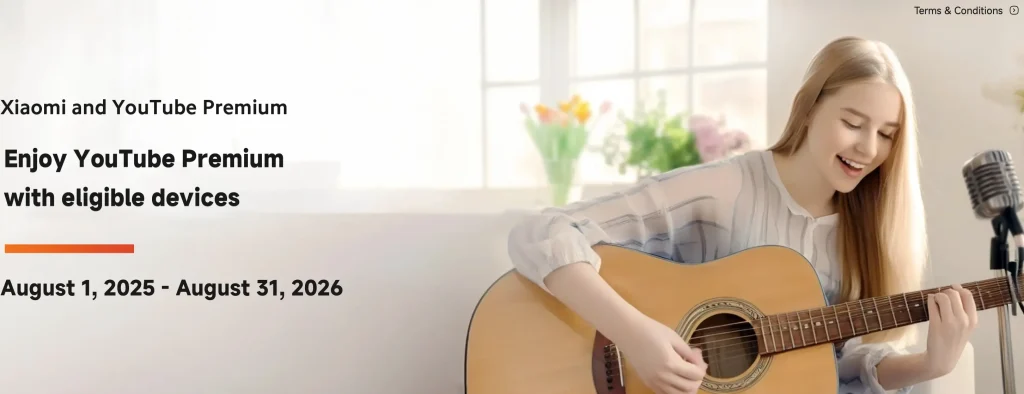
To get this benefit, you’ll need to purchase, activate the device, and redeem the offer by August 31, 2026, 11:59 PM (local time).
How to redeem your YouTube Premium in 3 steps?
For eligible markets and other details, visit the Xiaomi YouTube Premium Offer page.
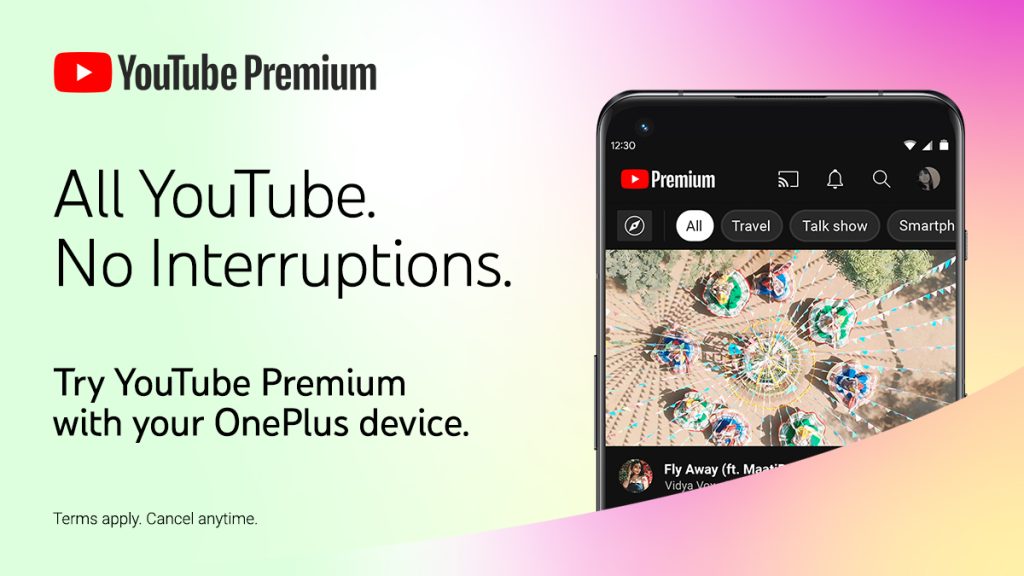
OnePlus has collaborated with YouTube to give you access to YouTube Premium’s great features, for up to 6 months, when you purchase and activate eligible OnePlus devices. To redeem your YouTube Premium offer on your OnePlus phone, open the YouTube app on your device, go to My Account in the top right corner, and click “Get YouTube Premium”. If you’re eligible, you’ll see a “Start trial” button with the conditions.
Device eligible for the YouTube Premium free trial promotion
Region eligible for this YouTube Premium free trial promotion
Learn more on the OnePlus & YouTube Premium Free Promotion page.
Best Buy is offering My Best Buy Plus™ and My Best Buy Total™ members Free YouTube Premium for 3 months. This offer is only for YouTube Premium New subscribers.
My Best Buy Plus™ membership costs $49.99/year and My Best Buy Total™ membership costs $179.99/year.
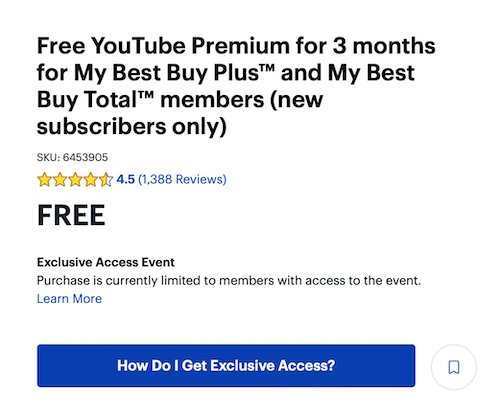
For details, visit the Free YouTube Premium on Best Buy page.
YouTube Premium mod APK is a modified and unlocked version of the original YouTube app. It unlocks the premium features without paying for a subscription for an unlimited period on Android devices.
Yes, it is entirely safe to download, install, and use the YouTube Premium mod apk on Android devices. We always perform thorough tests on Android apps to check for viruses and malicious code. We found the YouTube mod app to be completely safe from viruses and security issues.
Click below download button to download YouTube MOD APK on your Android device and install.
On the page it opens, tap the Download button. An ad page will be opened. Tap the left arrow to navigate back to the previous page. If the download doesn’t start, tap the”click here” link. Then tap DOWNLOAD.
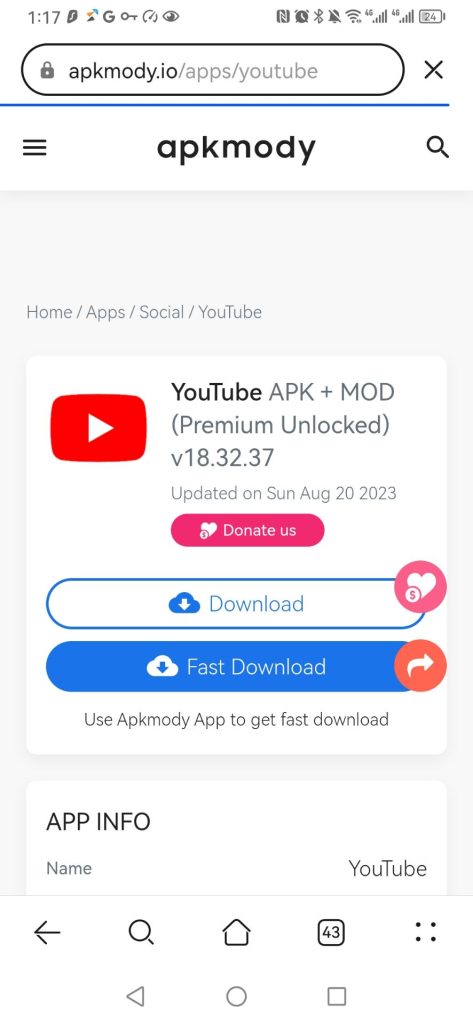
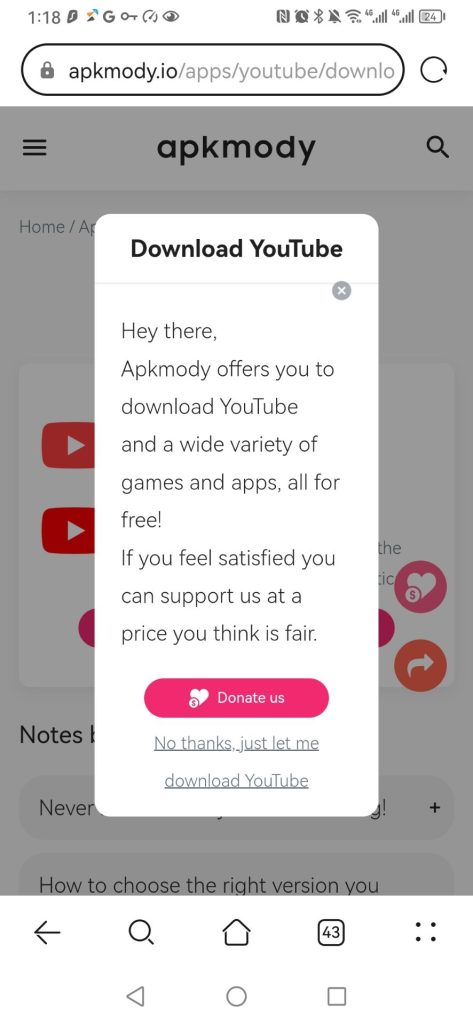
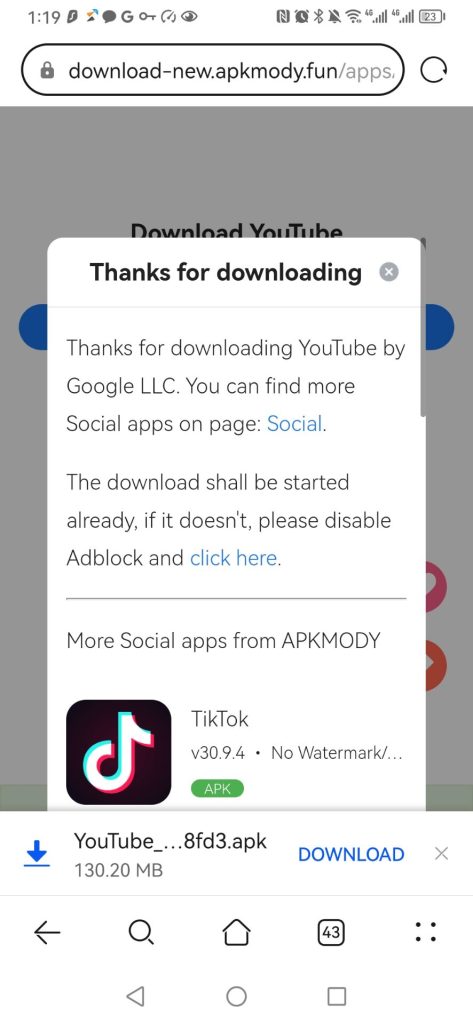
After downloading, install the YouTube mod apk on your Android and log in to your account. If YouTube is not available in your country or region, you will need a VPN. Surfshark is a perfect VPN app for Android.
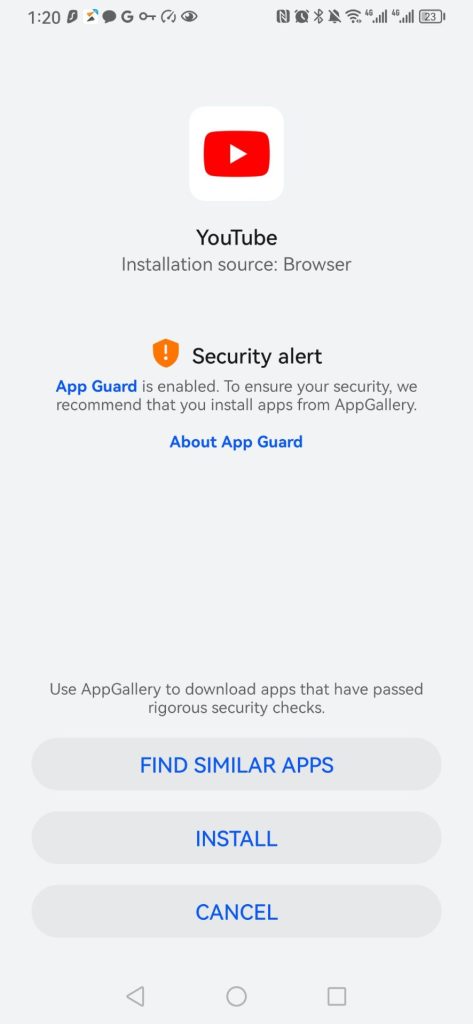
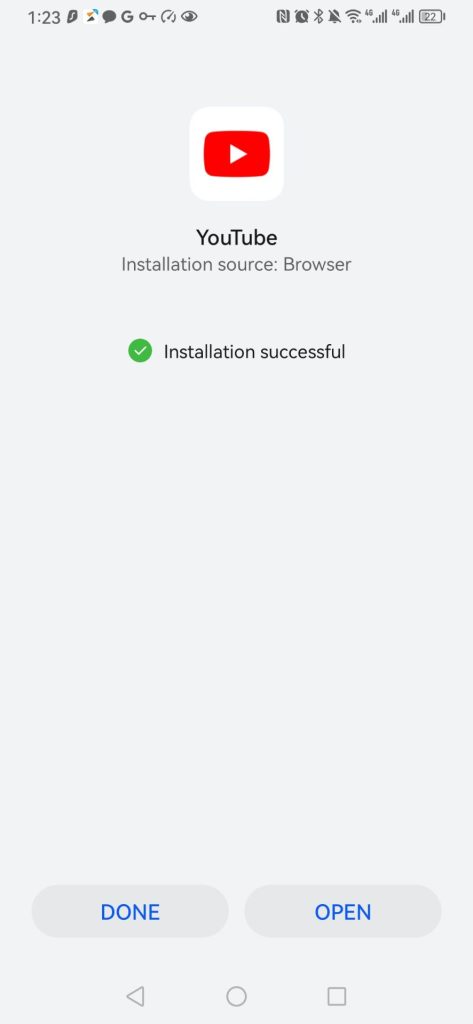
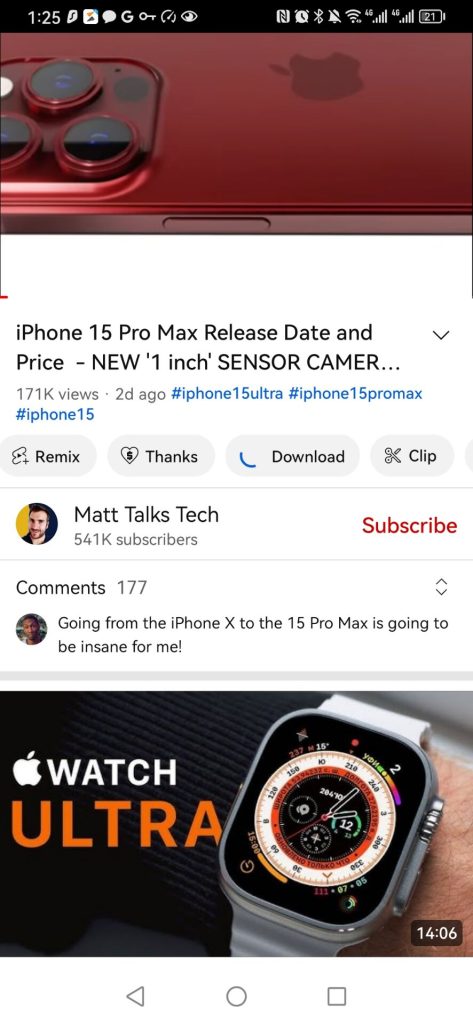
Then open YouTube MOD and log in to your account. With the YouTube Premium mod version, you can watch any video ad-free and in the background; however, you can’t download videos for offline playback.
The YouTube Premium mod version won’t offer you access to YouTube Music Premium, as it doesn’t really turn your account into Premium. However, you can also install YouTube Music mod apk.
With the ways above, you can get a YouTube Premium free trial for up to 6 months. But when your free trial period ends, all of your benefits will be gone, including the ability to download YouTube Music songs.
If you’re wondering how to save your YouTube Music downloads once the trial expires, fortunately, you can use Pazu YouTube Music Converter to download any YouTube Music playlist to MP3, M4A, AAC, FLAC, WAV, AIFF audio formats, then you can get YouTube Music premium for free forever. Actually, Pazu YouTube Music Converter even works with YouTube Music free account.
If you want to download YouTube Music songs, albums, and playlists to MP3 and play them with other music players, then all you need is Pazu YouTube Music Converter.
To get started, download, install, and run Pazu YouTube Music Converter on your Mac or Windows PC, which features a built-in YouTube Music web player.
If you have already purchased a license, click the key icon to register the converter. If not, continue using the trial version.
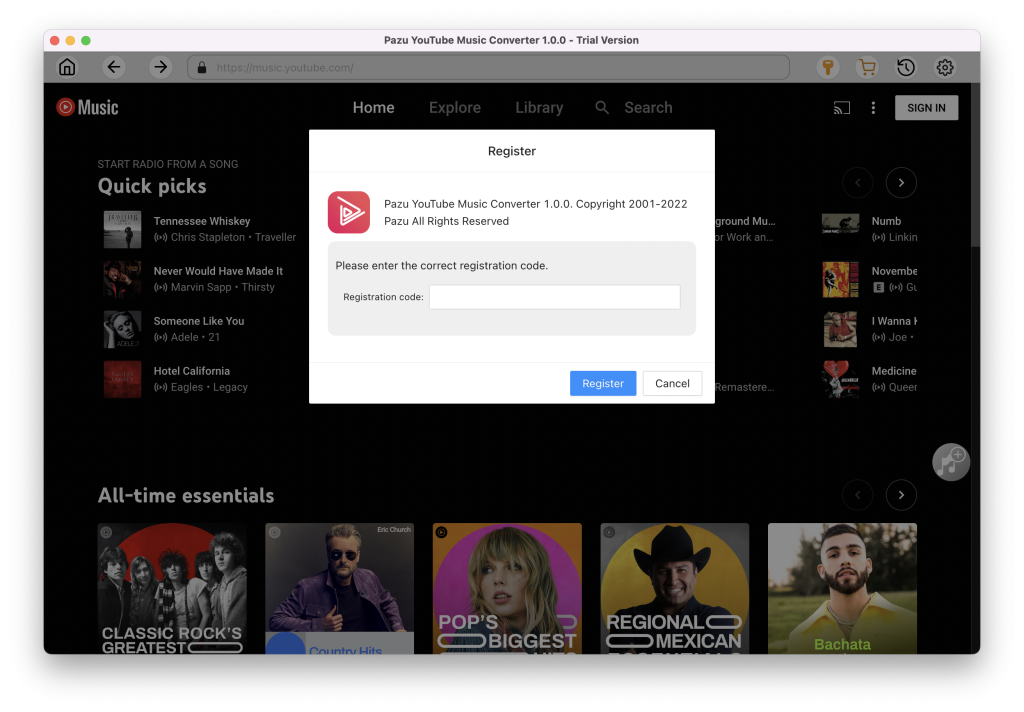
You don’t need to sign in to your YouTube Music account.
The default output format is M4A. Pazu YouTube Music Converter also supports MP3, AAC, FLAC, WAV and AIFF. Click the Option button to change the output format or the output folder if needed. You can also change bitrate, samplerate according to your needs.
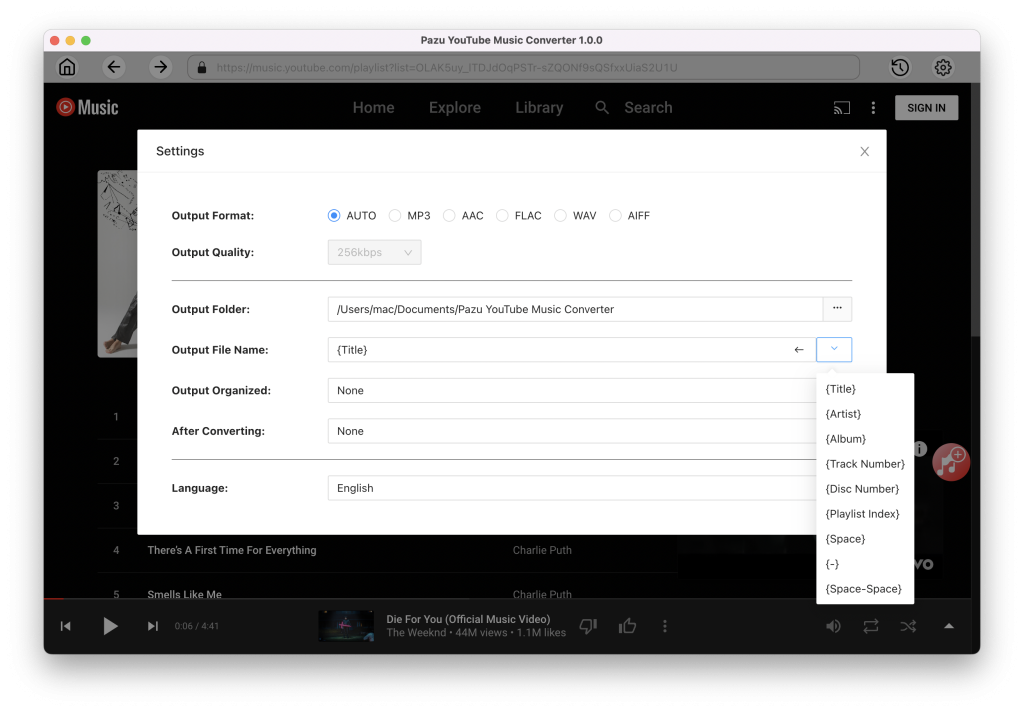
Browse or search to find the songs, albums, or playlists you want to download. Click the album or playlist you want to download. Then click the red icon to load songs.
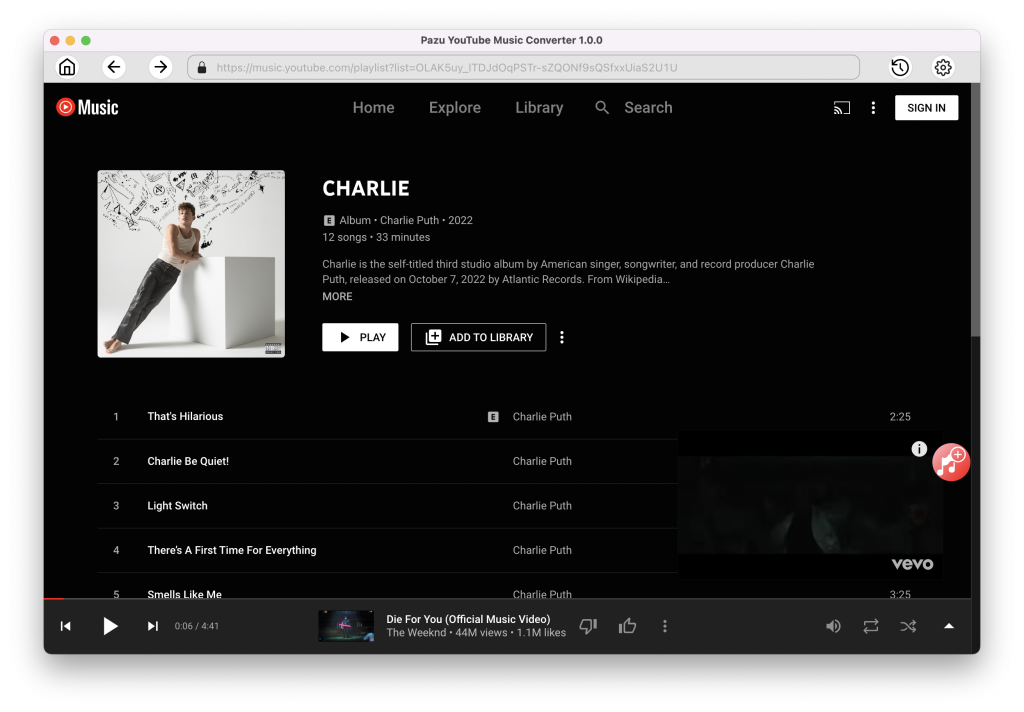
All songs in the playlist/album will be selected by default. You can uncheck the songs you don’t want to get.
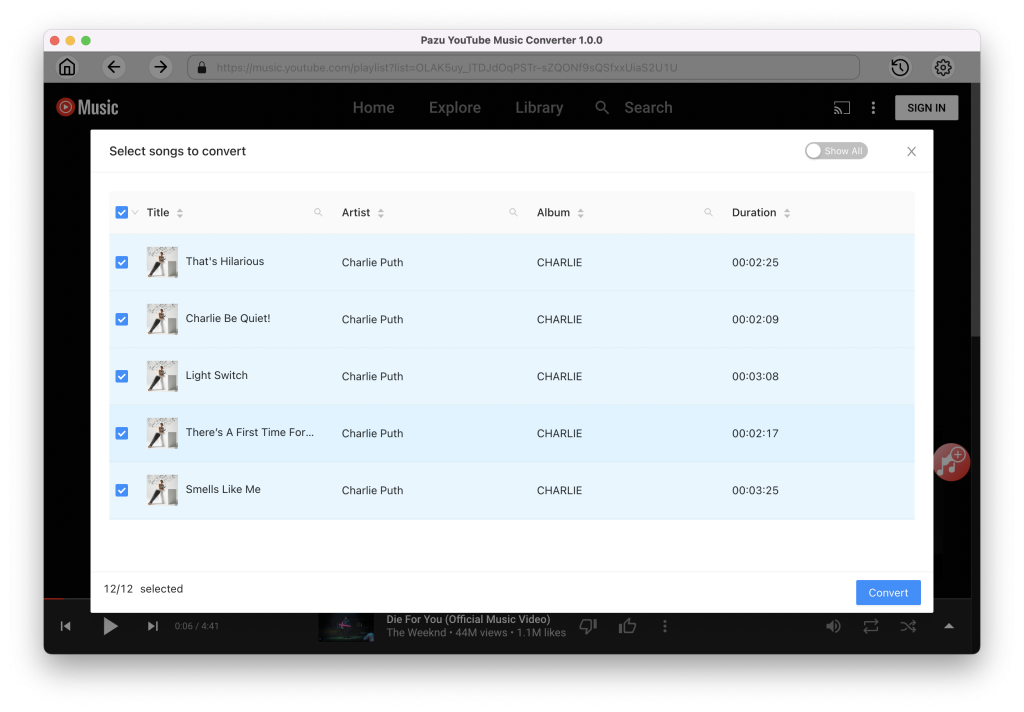
After selecting the songs, click the Convert button to start downloading YouTube Music songs to the format you choose. You will see a progress circle indicating your music is downloading.
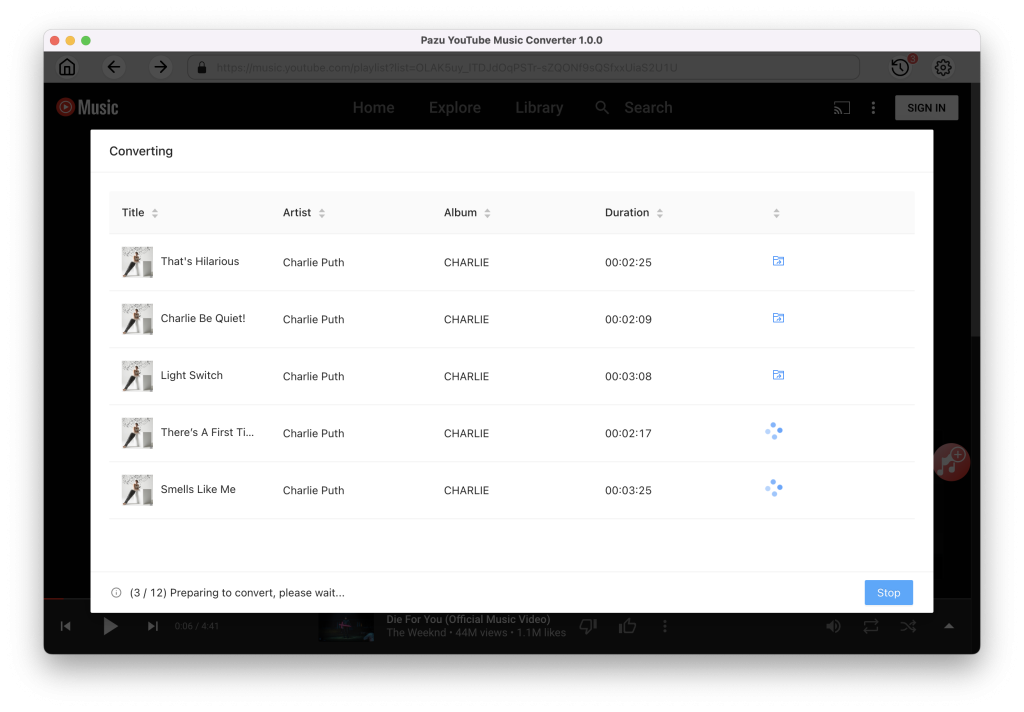
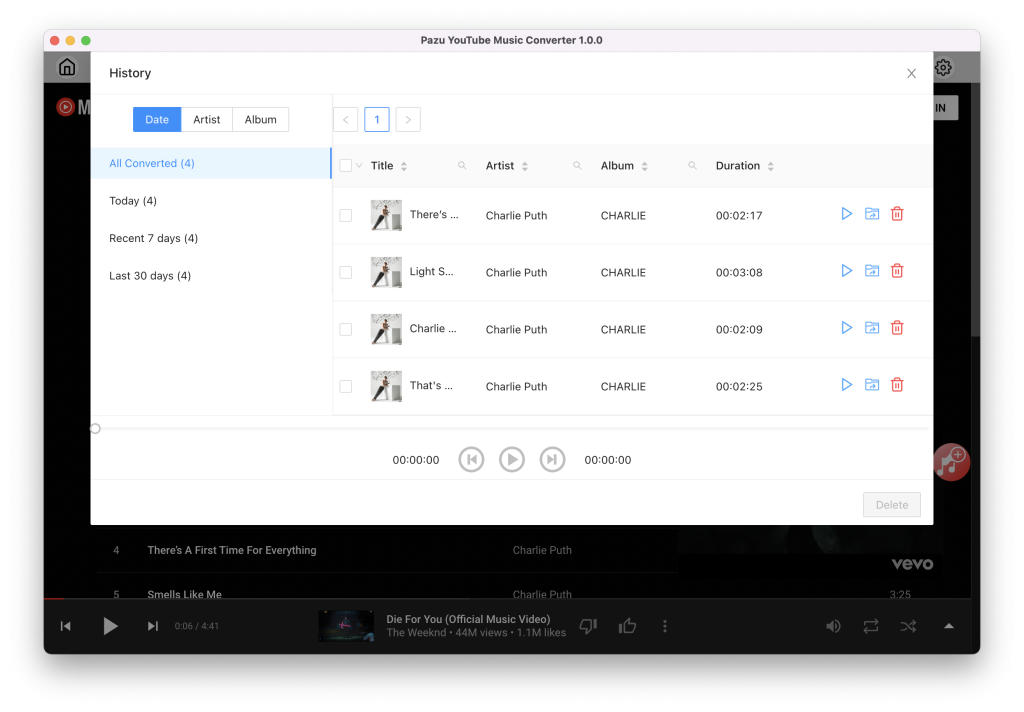
Once the songs have been downloaded, click the folder icon to quickly locate the DRM-free YouTube Music songs in the format you choose. You can then transfer and play it anywhere.
To view or manage all music you’ve downloaded, click the clock icon in the top right corner of the YouTube Music Converter interface.
Enjoy 2+2 Months of YouTube Premium Subscription Free with Times Prime Membership. With Times Prime, you can now enjoy 2 months free YouTube Premium subscription and share the second coupon code of 2 months of membership with your family/friends. Immerse yourself in ad-free videos, offline playback, YouTube Originals, and much more.
With your Times Prime membership, you gain access to 12+ premium subscriptions such as Disney+ Hotstar, Sony LIV, Cricbuzz Plus, Gaana Plus, EazyDiner, ET Prime, TOI+, YouTube Premium and many more.
To avail a free YouTube subscription from Times Prime, simply follow these steps:
For details: Free YouTube Premium with Times Prime.
People who purchase and activate an OPPO Find N2 Flip by Jul 31st, 2024 at 11:59pm PST will get YouTube Premium 3 month free trial promotion. Offer only available to users who are not current YouTube Premium or YouTube Music Premium subscribers, and have not been YouTube Premium, YouTube Music Premium, YouTube Red, or Google Play Music subscribers nor participated in a YouTube Premium, YouTube Music Premium, Google Play Music, or YouTube Red trial before. Offer must be redeemed by Aug 31st, 2024 at 11:59 pm PST.
For more details: Free YouTube Premium with OPPO
Get up to four months of YouTube Premium free trial on your eligible Samsung Galaxy device and watch your favorite videos without ads, without Wi-Fi, and in the background. Valid from Mar 01. 2023 ~ Apr 01. 2024.
Get 4 months of YouTube Premium with:
Get 2 months of YouTube Premium with:
How to redeem your YouTube Premium trial?
For details: Free YouTube Premium with Samsung.

Download and convert YouTube Music to MP3, M4A, etc