

“I can’t find the free subscription when creating an account on Tidal even while using an us vpn, I’m on my 3rd account created and still nothing. After entering some data they ask me to choose between Hi-fi and Hi-fi plus but no free subscription is available for me. Does anyone know why?”
In November 2021, Tidal introduced a new free tier with ads only available in the USA, called Tidal Free, which offers streams of the company’s complete library at 160kbps with “limited interruptions”.
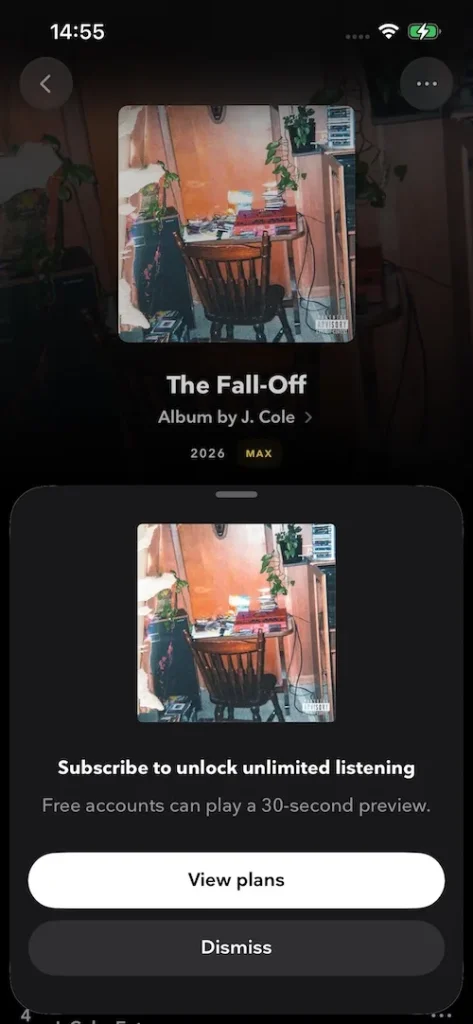
However, after TIDAL combined HiFi Plus and HiFi tiers on April 10, 2024, free tier is no longer available. You can listen to each song for 30 seconds on desktop app, web player, and mobile.
Although Tidal removed the free tier introduction from its website, the free tier is still available. It used to be tricky to create a free account. As of 2026, Tidal has made it much easier. Follow the steps below to get your Tidal free account.
1. Go to https://tidal.com/ and click “Create a free account”.
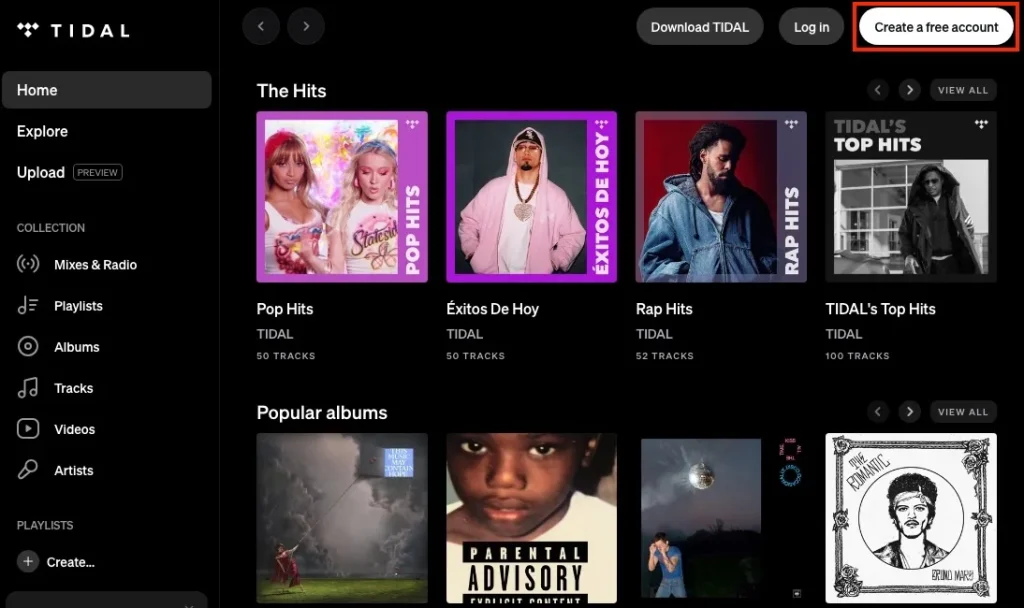
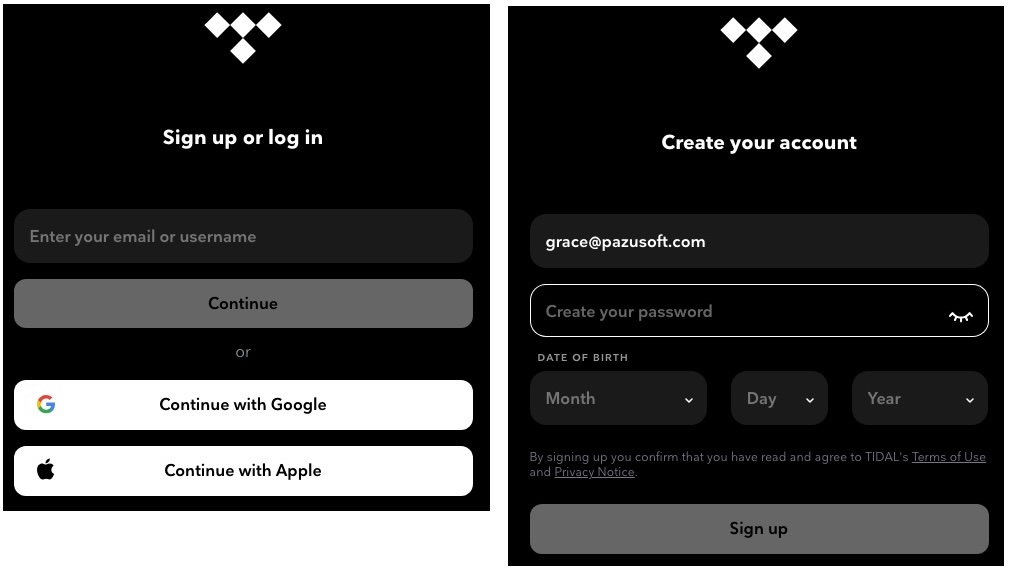
2. Enter your email address and click “Continue.”
3. Fill in your Date of birth and click Sign up. Now you have gotten your Tidal free account and you’ll be prompted to the Tidal web player.
Tidal is currently available in over 60 countries. If you are not in the US or any other country listed, the only way to get the Tidal free tier is to use a VPN and connect to a server in the US or another available country. The free tier offers access to Tidal’s whole catalog of songs, but the bitrate of streaming music will max out at 160 kbps, the same as Spotify free.
Both Spotify and Tidal offer free tier with occasional ad interruptions, limited track skips and up to 160kbps audio quality. However, Tidal free tier is only available in certain countries. If you are out of these regions, you will need a VPN. Spotify Free is available in all countries where Spotify is available.
Tidal only makes sense if you are willing to pay for a premium plan since it gives you high-quality music for the same or lower price than Spotify, depending on where you live.
Related:
The best way to get Tidal free forever is to download Tidal music to MP3 with Pazu Tidal Converter, which allows you to download any Tidal songs, albums and playlists to M4A/MP3/AAC/FLAC/WAV/AIFF on your Mac and Windows. Follow below steps and learn how to download Tidal music to MP3.
Download, install and run Pazu Tidal Converter on your Windows. The interface is like below:

If you have purchased a license, click the key icon to register the converter. If not, continue using the trial version.
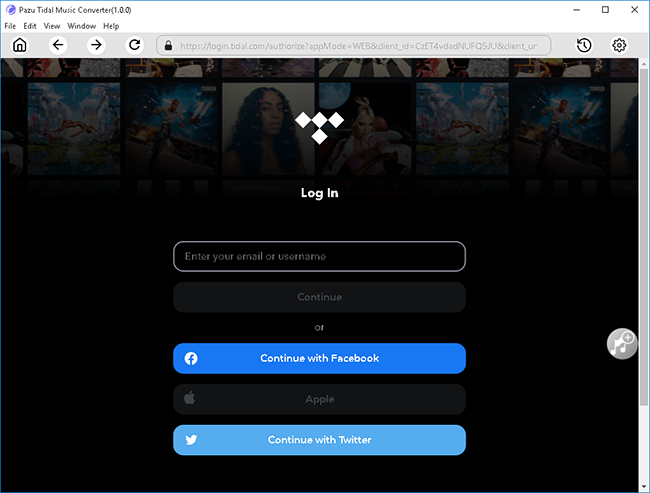
Follow the onscreen instructions to log in yout Tidal account.
The default output format is M4A. Pazu Tidal Music Converter also supports MP3, AAC, FLAC, WAV, AIFF. Click the Gear icon on the top right corner to change output format or output folder if you need.
You can also customize output song name with any combination of Title, Artist, Album, Track Number, Playlist Index.

Click any playlist you want to download.

Then click the red icon to load songs. All songs in the playlist will be added by default. You can uncheck the songs you don’t want to get.

Click Convert button to start downloading Tidal music to MP3.

After conversion, click the folder icon to quickly locate the downloaded Tidal songs in the format you choose. You can then transfer and play it anywhere.


Download Tidal songs/albums/playlists to M4A etc