
Do you want to play Spotify music with other Android music player? With Spotify, you can listen to music and play millions of songs and podcasts for free. Stream music and podcasts you love on your mobile, tablet, desktop, PlayStation, Chromecast, TV, Wear OS watch and speakers.
Spotify free users not only have to bear the ads, but also shuffle play on mobile devices. The free version of Spotify shuffles all playlists (except certain Spotify-curated playlists accessible from the homepage) and even adds single tracks to shuffled playlists, while only giving you six skips per hour. That means you won't be able to turn on a specific song you want to hear, instead relying on a random selection order. Many people use this app only to discover new music.
If you subscribe to Premium, you can download Spotify songs for offline listening. But this does not mean you can download Spotify music to your Android device and play them with other Android music player.
If you can download Spotify to mp3, you can then play them with any music player on Android. Here we will introduce a Spotify to MP3 covnerter and show you how to convert Spotify to mp3 for Android phones and tablets.
Fildo app is an mp3 downloader and streaming application that lets you stream top-quality mp3 from around the world. One of the major advantages of Fildo compared to other similar applications is that it allows you to import and download Spotify and NetEase playlists. Fildo does not host any mp3 files, it’s just an interface to third party mp3 search engines. It matches your Spotify songs with MP3 songs from third party mp3 search engines and allows you to download songs. However, the download speed is very slow.
How to download MP3 songs from Spotify on Android with Fildo?
Step 1. Install Fildo from the official website and launch it on your Android mobile.
Step 2. Tap More - IMPORT SPOTIFY.

Step 3. Sign in to your Spotify account, select Spotify playlists you want to import.

Step 4. Choose high matching or normal. Fildo does not host any mp3 files, it matches the Spotify songs from third party mp3 search engines.

Step 5. Once your playlists or songs are successfully imported into Fildo, you can tap the three dots icon and start to download music from Spotify.
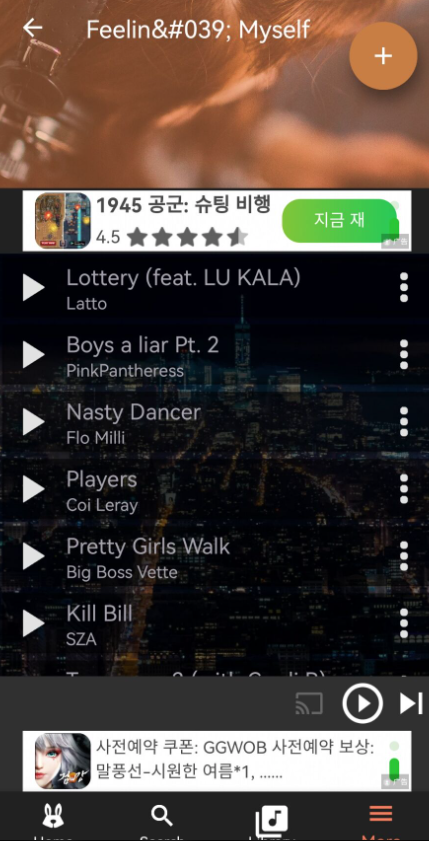
With Spotify Songs Downloader, you can download and listen to music and play millions of songs and podcasts from Spotify for free. Stream music and podcasts you love and find music - or your next favorite song - from all over the world.
Open Spotify app or web player and copy the song link, then paste the song link to the Downloader and start downloading.
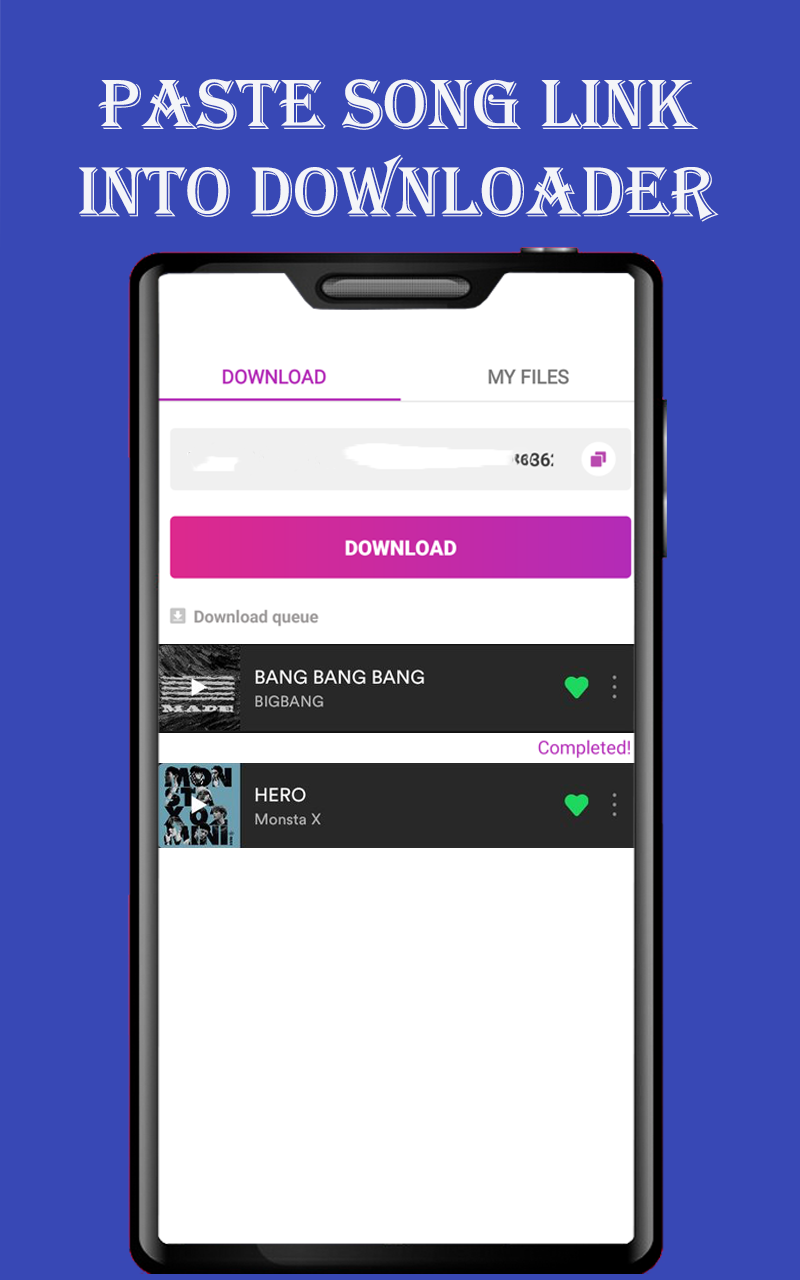
However, many users complain that this app didn't work as expected. Besides, it flooded with ads deliberately set to force you to accidently click though. So we strongly recommned the alternative - Pazu Spotify Converter.
Pazu Spotify Converter is the best the best Spotify to MP3 Converter. It can convert Spotify to MP3 , M4A, WAV, FLAC, etc. in a few clicks. You can also find 100% raw ID3 tags in the converted files, including titles, year, and more. In addition, Pazu Spotify Converter can work at a fast conversion rate. It can save lossless audio quality of Spotify tracks during the conversion.
Then, you can sync the offline Spotify songs to Android phones and tablets without any issues.

Download, install and run Pazu Spotify Converter on your Mac or Windows. Spotify will be opened automatically.

There are 2 ways to add Spotify songs to Pazu Spotify Converter.
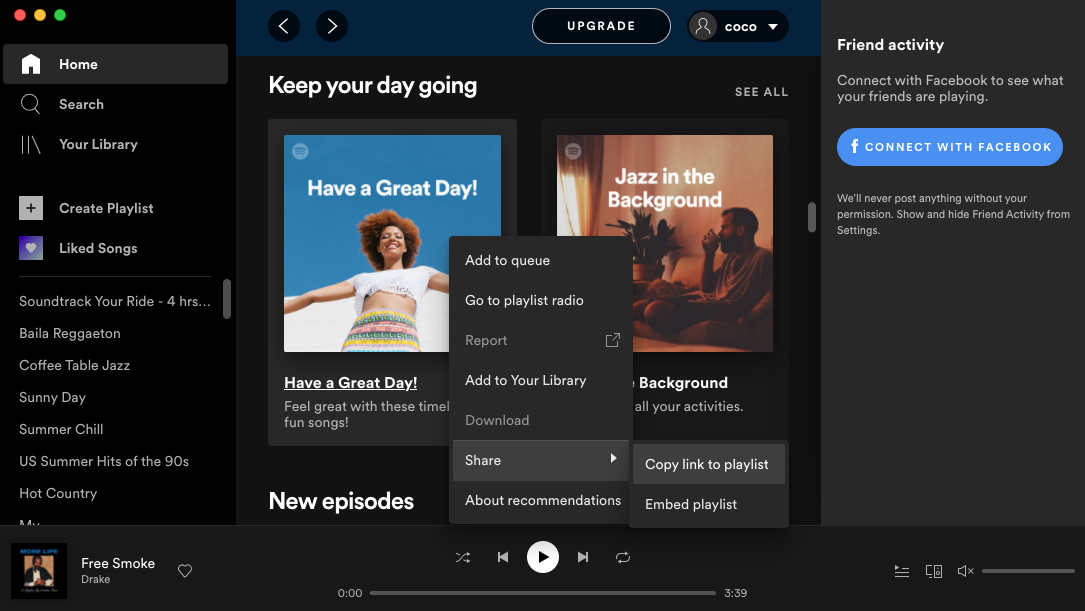
Option 1 Browse songs, albums or playlists you want to download from the built-in Spotify web player.
Option 2 Click Add Files, copy&paste Spotify songs/album/playlist link to the bottom area.
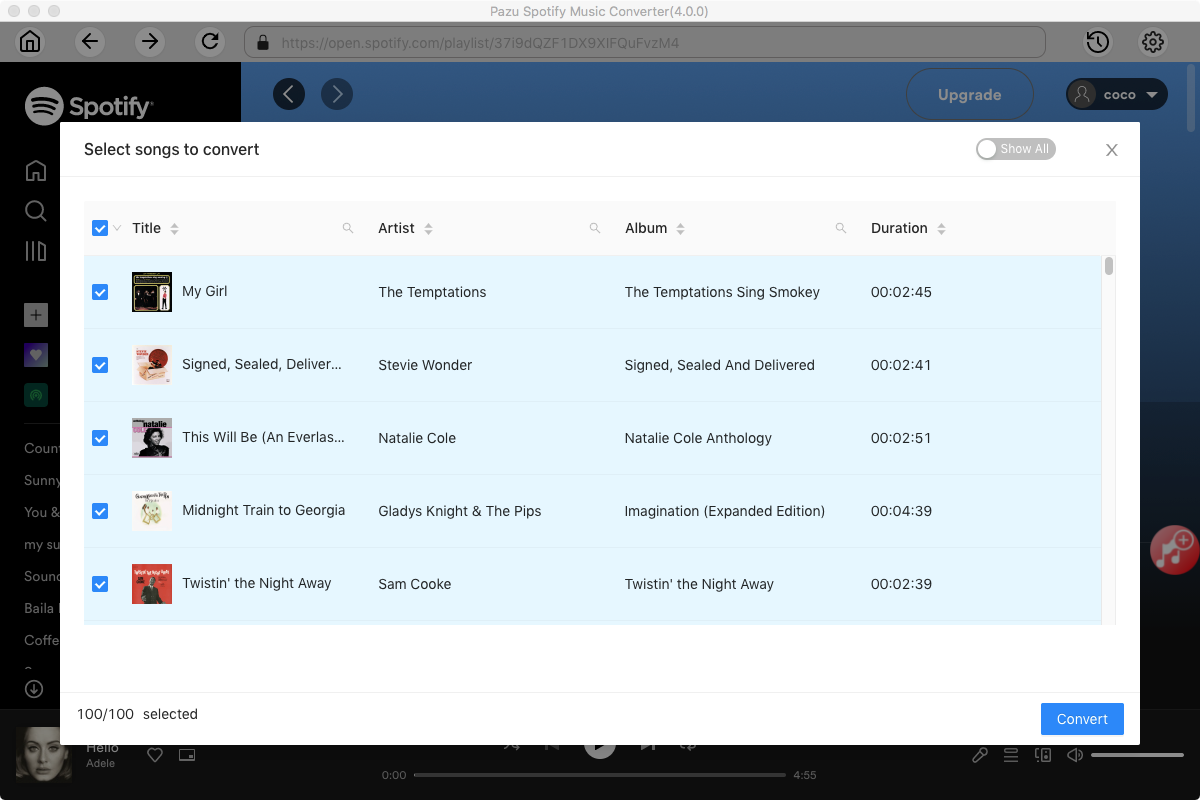
Now, click on the Settings cogwheel from the top-right corner to select the output format. On Auto mode, it will save the file in M4A format. For MP3 and AAC, you can also set the output quality, depending on the song. You may also change the output folder, the title, and the organizing criteria.

Also, you could change the output folder, file name as you prefer.
Click the Convert button to start converting Spotify to MP3 without losing original quality.

After conversion, click the History icon to quickly locate the DRM-free Spotify MP3 songs. Connect your Android phone or tablet to the computer and transfer the Spotify mp3 songs to Android.

Note: The free trial version of Pazu Spotify Converter enables you to convert the first three minutes of each song. You can remove the trial limitation by purchasing the full version.
Buy Now Buy Now
Download and convert any Spotify songs, albums, playlists to MP3/M4A etc.