
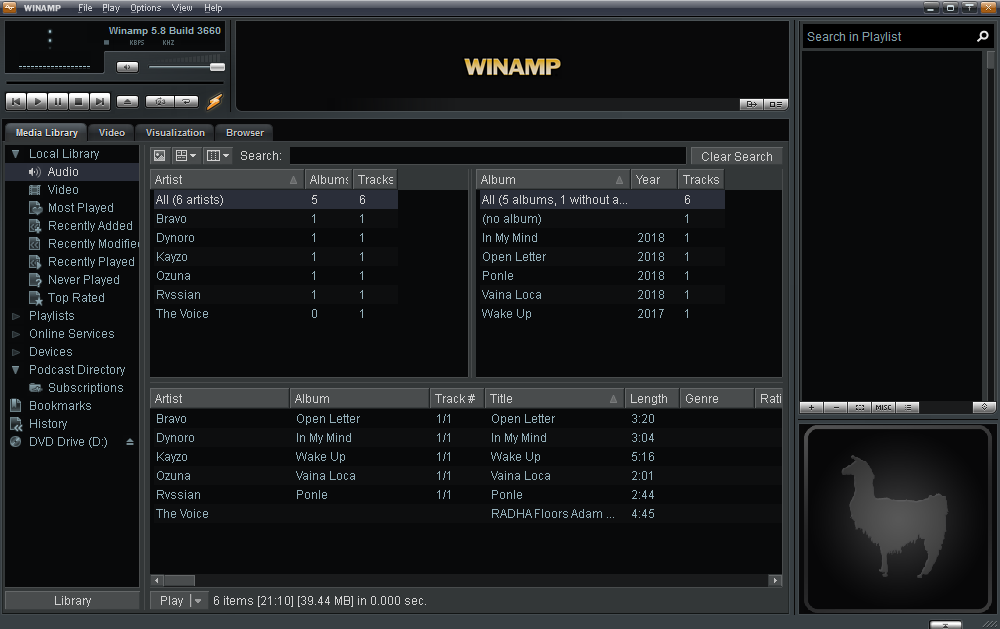
If you switched from radio and TV channels to MP3 music in the 1990s and early 2000s, you've no doubt heard of or used Winamp before more popular tools like VLC and finally streaming services like Apple Music and Spotify. Winamp quickly became popular at the time due to its fast, lightweight nature. Winamp is currently available on Windows, MacOS and Android.
In honor of Winamp, Spotify has launched a tribute application that is fully compatible with the music streaming service's songs. The user interface comes directly from the classic Winamp skin, and the program lets you play all your Spotify playlists.
To download this free application, go to spotiamp.com and get the Windows installer. As an added bonus, the application is compatible with the Winamp visualization plugin, features a classic equalizer and a built-in Shoutcast server. spotiamp can only be used with Spotify premium accounts.
When you launch Spotiamp, it will access your Spotify account to allow you to see your playlists, search for songs, and listen to your radio stations just as if you were using the original client. It also lets you equalize your music from the famous Winamp interface designed for that purpose, with the further option to select among various presets.
Winamp Media Library feature will scan the digital media files stored on your hard drive. It supports adding audio tracks, videos, etc. from the local media options. In other words, to get Winamp to play Spotify's music with the premium version, all you need to do is to download Spotify's songs as local tracks.
In addition, in order to support playing Spotify's music on Winamp, it is necessary to do Spotify's format conversion for Winamp. winamp is compatible with audio files encoded as MP3, AAC, M4A, FLAC, WAV, MWA, and so on. In order to meet the above two requirements, a third-party Spotify music converter and download tool is needed.
Pazu Spotify Converter is the top tool to download Spotify music to MP3 for playing on any device without Spotify app. With powerful features and advantages, it can download songs from the Spotify free and premium account and convert them to DRM-free formats like MP3.
You May Like:

Download, install and run Pazu Spotify Converter on your Mac or Windows. Log in your Spotify account with the built-in Spotify web player.

Pazu Spoitfy Converter features built-in Spotify web player for you to browse or search Spotify songs, albums and playlists you want to download directly on the interface. You don’t need to install Spotify app. Click the album or playlist you want to download and then click the red icon to load all songs.
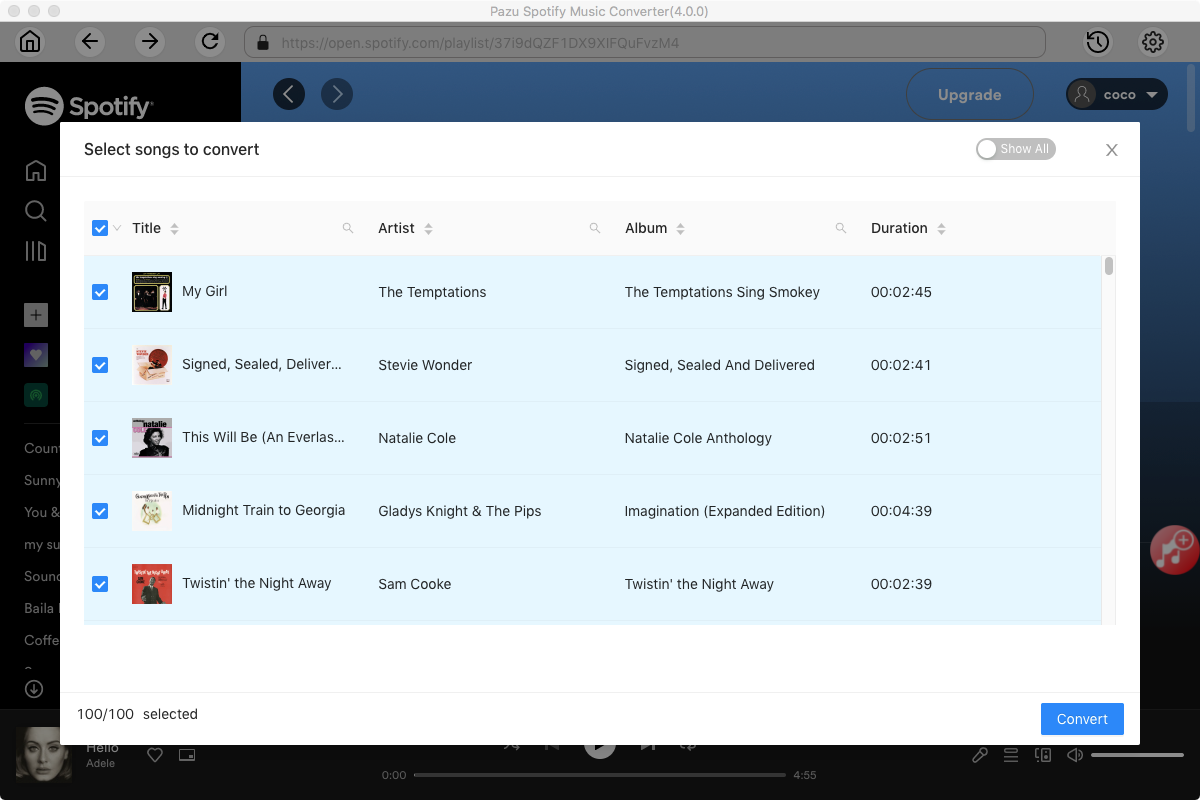
The default output format is M4A. Pazu Spotify Converter also supports MP3, AAC, FLAC, WAV, and AIFF. Click the gear icon on the top right corner to change output format or output quality. You can also change output folder and following:

Click the Convert button to start recording Spotify music to the format you choose.

After conversion, click the History icon to quickly locate the DRM-free Spotify song.

Note: The free trial version of Pazu Spotify Converter enables you to convert the first three minutes of each song. You can remove the trial limitation by purchasing the full version.
Buy Now Buy Now
Download and convert any Spotify songs, albums, playlists to MP3/M4A etc.